In this article7
- Why there is no “ready integration”, and why that is in your favour
- The “HTTP request” card: exactly what it does
- A full example: “where is my order?”
- The reverse direction: your system starts the conversation
- When your system has no API
- Before you build: five points that save you a week
- What this integration does not do
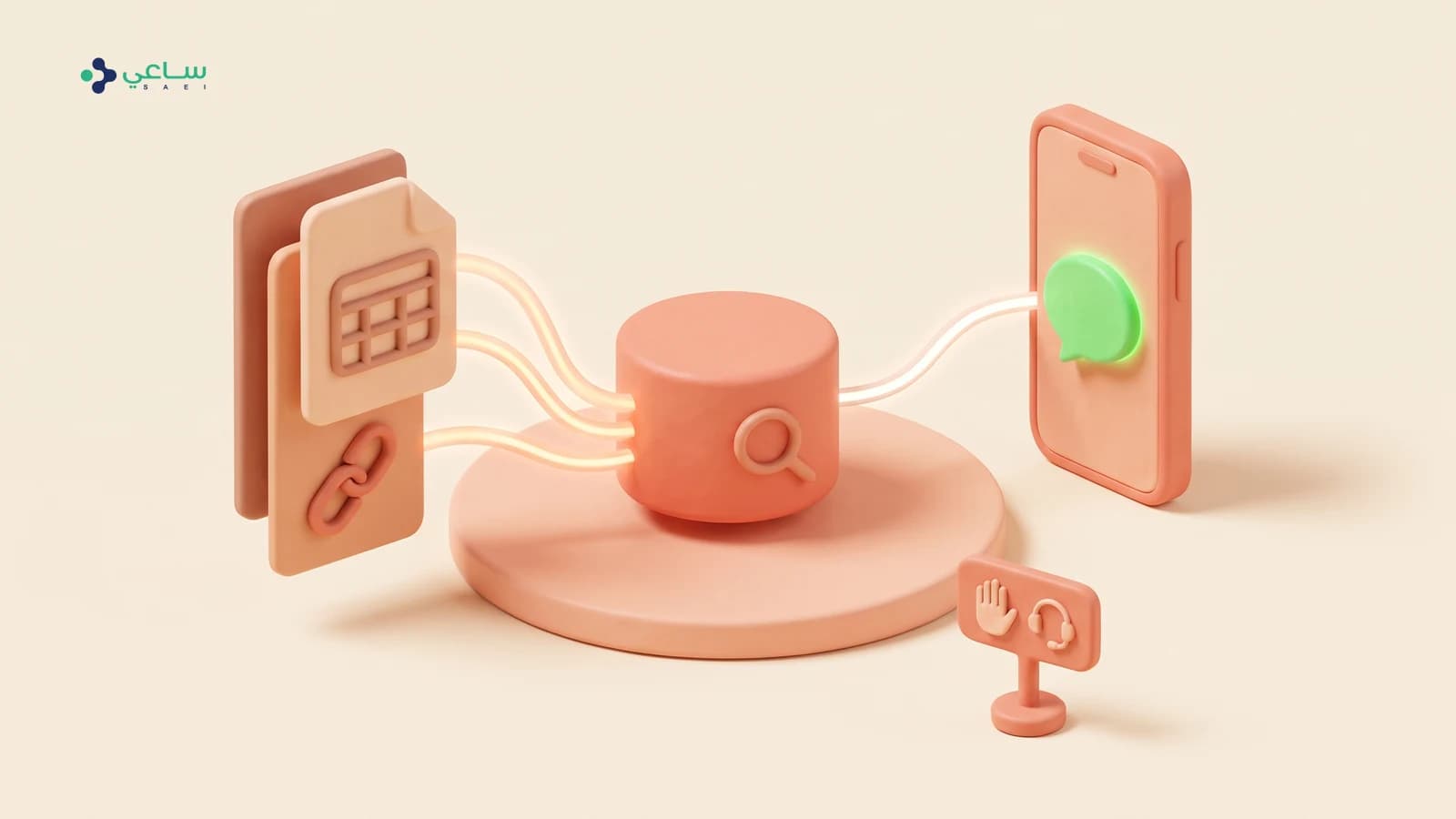
The question that always arrives as “do you integrate with our system?” has an honest answer: there is no single button that connects any CRM. There is something more useful — a card inside the flow that calls your system’s API directly, stores its reply, and carries the conversation on with it.
Why there is no “ready integration”, and why that is in your favour
The ready connectors in the platform today are Salla and Zid and the events platform. Those are shops and event platforms, not CRMs. And CRMs differ from one another more than they resemble each other: your fields, your sales stages, your names for things.
A ready integration with a system it was not built for means its naming imposes itself on yours. An API integration means the opposite: you decide which field goes where, when, and under what condition.
Where the integration sits in the conversation
decisionAn “HTTP request” card inside the path
- The customer writes, and the flow collects what it needs from them first.
- Then the card calls your system’s API: create a lead, read an order’s state, update a field.
- The reply is stored in a variable and used in the next message.
- No template constraints here: the conversation is open because the customer started it.
A “webhook” trigger at the head of the flow
- Your system calls the flow’s URL with the customer’s number and whatever data is needed.
- Good for notifications: the order has shipped, the appointment is near, the payment is late.
- This is a business-initiated message — an approved template and the twenty-four-hour window.
- The URL comes out of the builder’s toolbar, and you can rotate it.
The “HTTP request” card: exactly what it does
That is the whole card. You will find it in the block list under the Actionsgroup, and you place it anywhere in the path.
| The field | What you put in it | A practical note |
|---|---|---|
| Method | GET, POST, PUT, PATCH or DELETE. | Read with GET, create with POST, update partially with PATCH. |
| URL | The address of the endpoint in your system. It accepts variables inside it. | You can build the URL from a variable: an address ending in the order number the customer typed a moment ago. |
| Headers | The access key, the content type, and whatever else your system asks for. | This is where the key belongs — not in the message body. Headers are never shown to the customer. |
| Body | The data being sent; it accepts variables too. | The content type is set automatically if you do not set it yourself. |
| Save the reply in | The name of a variable your system’s whole reply is stored in. | The most important field on the card. Without it the request succeeds and you get nothing out of its answer. |
A full example: “where is my order?”
The question that eats most of your team’s time, and the easiest one to automate completely — because the answer lives in your system, not in an agent’s head.
From the customer’s question to the order’s real state
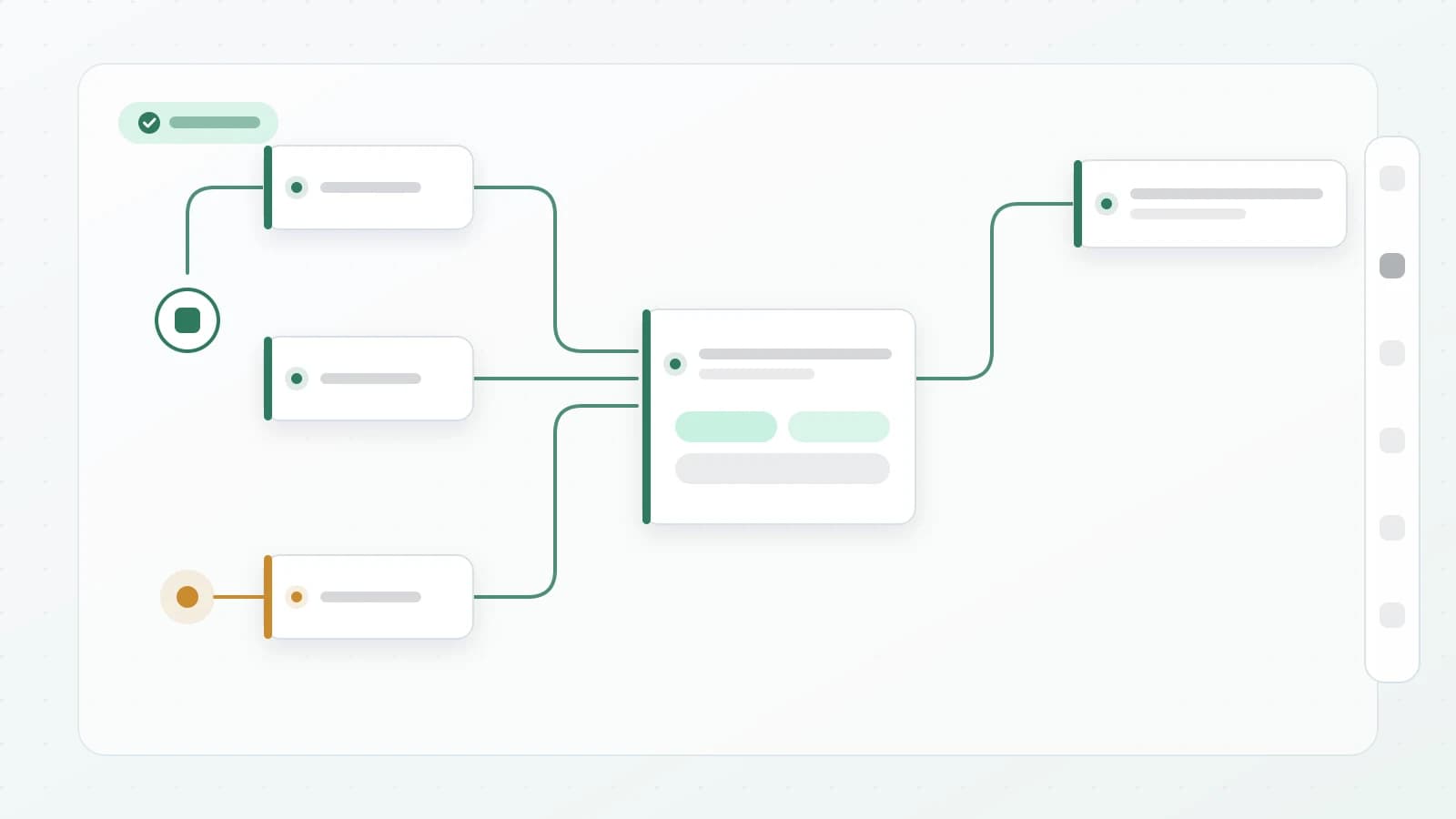
sequence- 1Ask a question — “send me your order number”Stores what the customer typed in a variable you name, such as order_number.
- 2HTTP request — read from your systemA GET to your orders endpoint ending in the variable’s value, with the key header. The reply is stored in another variable.
- 3Condition — was the order found?You compare a field from the stored reply. A wrong number or a missing order needs a different path from an order that exists — and this is the case most people building this flow forget.
- 4Send a message — with the actual informationYou drop values from the stored reply into the message text: the state, the courier, the expected date. The difference between “your order has been received” and “your order left the warehouse yesterday and arrives in two days” is this step.
- 5Hand to an agent — only when neededThe error branch and the “order not found” branch both end here, not in mid-air. The agent opens the conversation with the customer’s number already read.
The reverse direction: your system starts the conversation
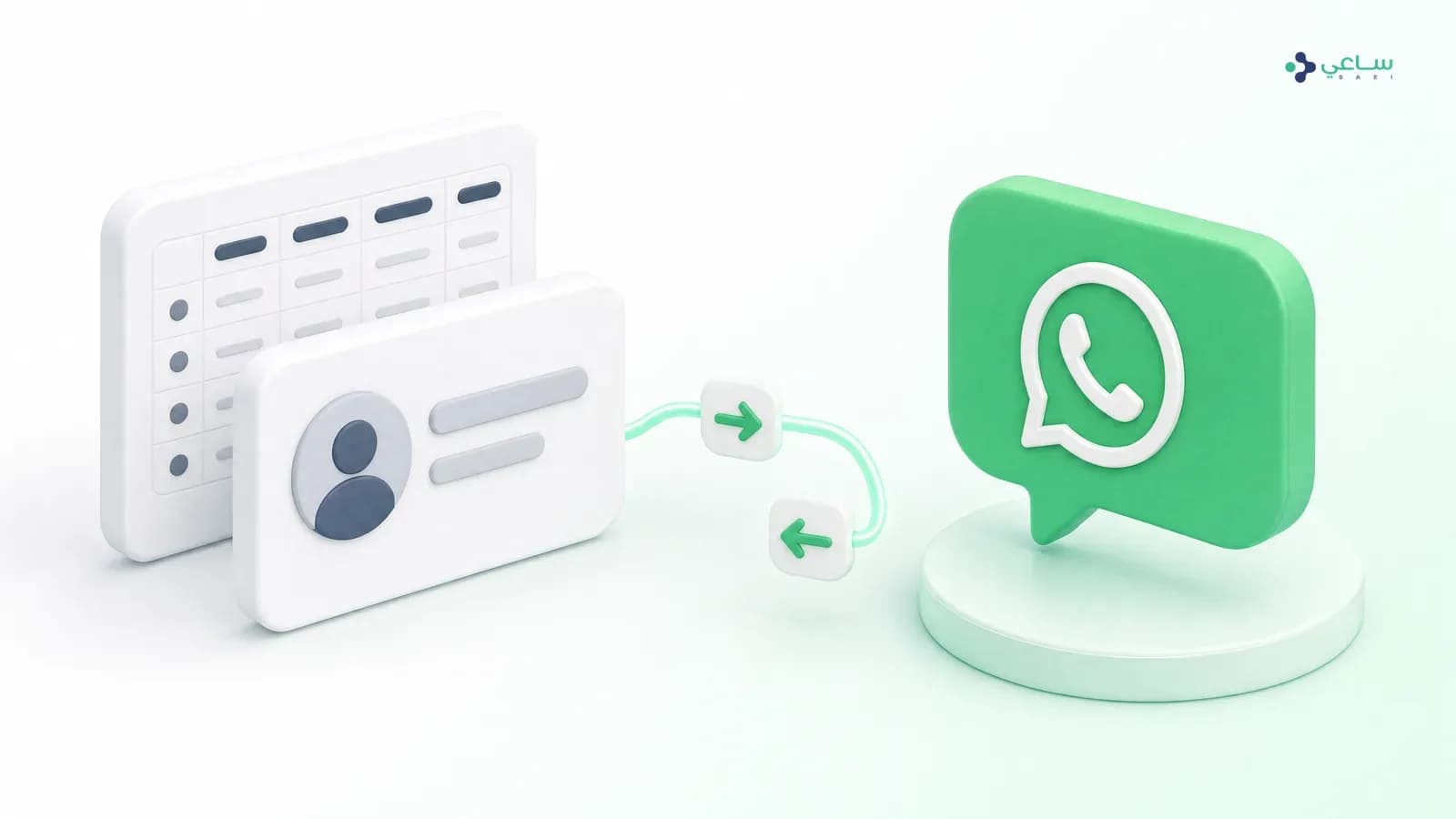
When something changes in your system — the order has shipped, the appointment is near, the payment is late — the customer should not have to ask. A webhook trigger gives the flow a URL of its own; your system calls it with the customer’s number and whatever is needed, and the flow starts.
- The URL comes out of the builder’s toolbar — do not write it yourself, do not share it outside your system, and you can rotate it whenever you like.
- This is a business-initiated message — which means it is bound by the approved-template rules and the twenty-four-hour window, exactly like any other message you start. See the template approval guidebefore you build a daily notification on top of it.
- Start with one event — “the order has shipped” on its own is enough to learn from. Ten events at once means ten paths, none of them tested.
When your system has no API
You still have two routes, and both are better than leaving the data inside the body of a conversation.
| Route | How it works | When it suits you |
|---|---|---|
| An intermediary integration tool | Any tool that gives you a webhook URL: the flow calls the tool, and the tool writes into your system in the way it understands. | When your system integrates with the common connector tools even without a public API. |
| Contact fields and tags | The flow writes what it collected into the contact’s fields inside the platform and adds a tag, and you export the list periodically. | When there is no programmatic way in at all. The data stays together, filterable and exportable, instead of dissolving into conversations. |
Before you build: five points that save you a week
- A key with limited permissions. Create a key that reads orders and writes leads, and nothing else. An admin key in a flow’s header is the broadest permission you will ever grant for the smallest reason.
- Test in the simulator before you publish. The simulator walks the path as a customer and shows every variable’s value moment by moment, so you see your system’s reply as it actually arrived rather than as you expected it.
- Always connect the error branch. Before you connect the successful one.
- Never put secrets in the message body. Whatever is written into a message is seen by the customer. Keys belong in the headers alone.
- A public address, not an internal one. In production the platform refuses to call an address on an internal or reserved network. If your system sits behind a firewall, you need a public endpoint or an intermediary tool.
What this integration does not do
One point that saves a disappointment: the “HTTP request” card calls your system when a conversation passes through it. It is not a permanent background sync. There is no schedule running every hour comparing two databases and reconciling them.
That is entirely enough for most of what is actually asked for — create a lead, read a state, update a field on an event. A continuous two-way sync between two databases is an integration project in its own right, not something a card inside a flow does. Know the difference before you promise it to somebody in your company.
Is there a ready one-click integration with my CRM?
No. The ready connectors today are Salla, Zid and the events platform — shops and event platforms, not CRMs. Connecting to your system happens through its API from inside the flow, and that is not a workaround for something missing: it is what keeps the integration under your control, because any “ready integration” with a system it was not built for would impose its field names on yours.
Our system has no API at all. What are the alternatives?
An intermediary route or a manual one. The intermediary: any integration tool that gives you a webhook URL, receiving from us and writing into your system. The manual: the flow writes the data into the contact’s fields and tags inside the platform, and you export periodically. The second is not ideal, but it keeps the data together in one place instead of losing it in the body of a conversation.
What happens if our system is down the moment the request goes out?
The customer sees nothing. An HTTP request has a fifteen-second timeout, and any error-class response (400 and above) or a dropped connection sends the path out of the card’s “error” branch, if you have connected it. Connecting that branch is the difference between “sorry, we will get back to you” and a conversation that stops in mid-air.
Can I use my system’s reply inside the next message?
Yes, and it is the most important thing the card does. You choose a variable name in the “save the reply in” field, your system’s whole reply is stored in it, and you drop it into any message or condition after that. This is how the reply says “your order 4471 left the warehouse” instead of “your order has been received”.
Can our system start a WhatsApp conversation by itself?
Yes, through the reverse direction: a “webhook” trigger gives the flow a URL your system calls. Your system sends the customer’s number and whatever data is needed, and the flow starts. Note that this is a business-initiated conversation, so it is bound by the template rules and the twenty-four-hour window like any other message.
Is the integration secure? We are sending customer data.
Keys go in the request headers, not in the message body, and are never shown to the customer. In production the platform refuses to call any address on an internal or reserved network — a protection against the request being redirected back inside your servers. What is left to you: a key with limited permissions rather than the admin key, and rotating it periodically.