In this article6
This guide covers the shape of the file, the number format, custom fields and how to choose them, what to do about duplicates, and why permission is not only a legal matter.
The shape of the file
A plain CSV is enough. The one strict rule is the header row: every column has a name, and the name is what maps to the field.
- A column for the number in full international format — this alone is the leading cause of failures.
- A column for the name as you want it to appear inside the message.
- Columns for whatever you will segment on later: city, customer type, last purchase.
Custom fields: choose now what you will need in a month
Custom fields are what segmentation and personalisation are built on, which means whatever you do not import today cannot be segmented on tomorrow. They have types — text, number, date, list — and the type matters: a date supports "bought more than three months ago" and text does not.
The practical rule: import every column you have, including the ones you do not use yet. Adding a column at import is free; re-importing later is not.
The order
- 1.Clean the file before you upload itRemove empty rows, make the number format consistent, and make sure there is one header row rather than two.
- 2.Upload a small batch firstDozens, not thousands. The line-by-line error report exposes a format problem before it repeats a thousand times.
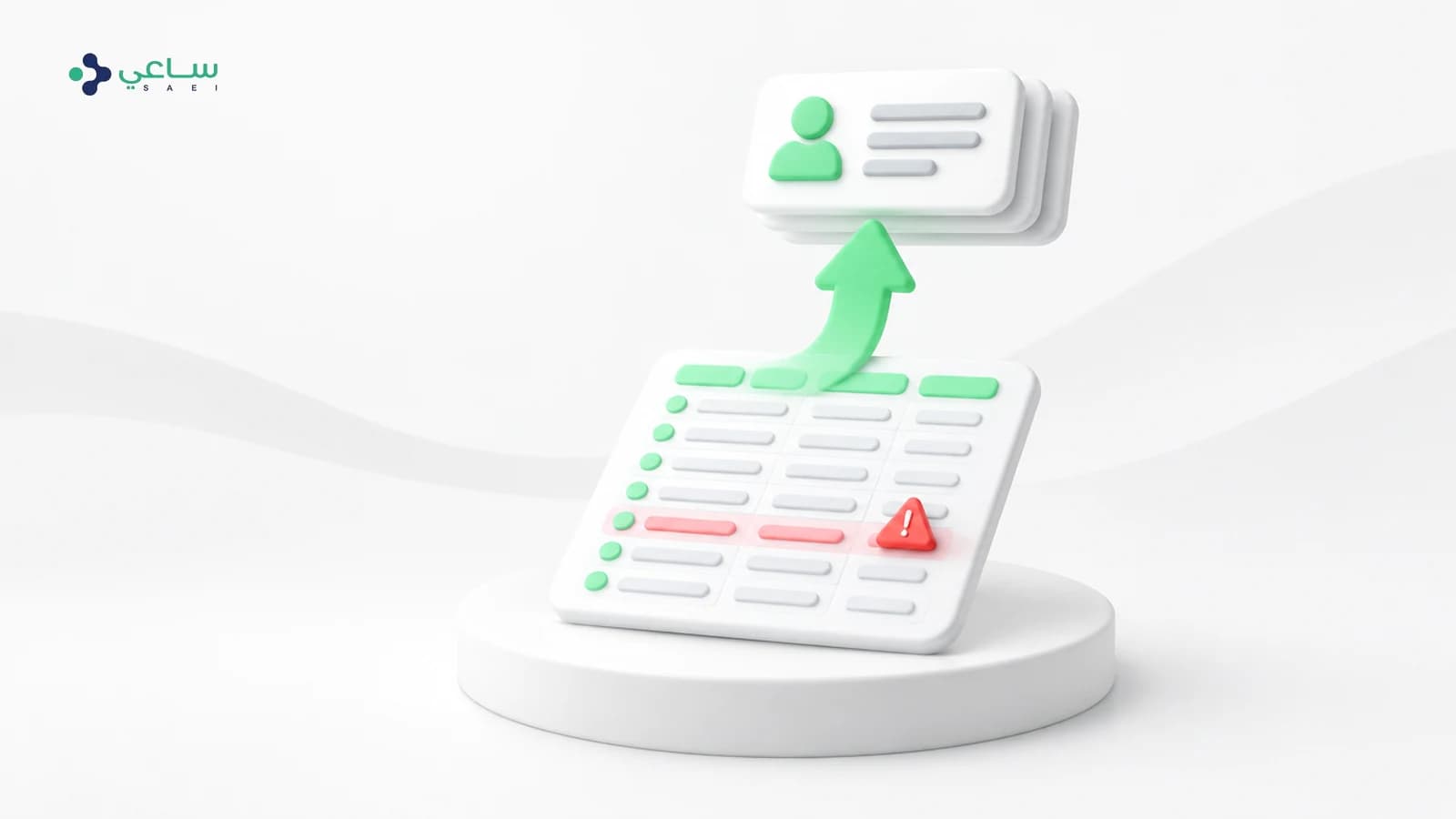
- 3.Read the error report rather than skipping itEvery rejected line says why, and correcting it in the file is faster than correcting it in the platform.
- 4.Then upload the restDuplicates are detected automatically, so there is no risk of clashing with what you just uploaded.
- 5.Mark anyone without permission before any campaignA do-not-contact marker protects you before it protects the customer.
Permission, and why it is an operational matter
Importing a list that never permitted you produces a large list and a bad outcome: people who did not ask for your message are the most likely to block it, and blocks are what WhatsApp calculates your number’s rating from — so you lose the number rather than the campaign. That is covered in the quality rating guide.
After the import
Contacts do not stay as you imported them: new ones are added automatically from inbound messages, and their fields are updated from what customers answer inside flows. The import is the start of the list rather than the end of it.
Frequently asked questions
What is the maximum file size?
Large files are processed in batches in the background, so you do not need to split the file yourself. Starting with a small test batch is still the better move.
What happens to duplicate numbers?
They are detected automatically and no second contact is created. Fields are updated on the existing contact rather than added beside it.
I imported and sending failed for half the list. Why?
Check the number format first — a leading zero or a missing country code is the leading cause. Then check who you marked do-not-contact.
Can I add a field after importing?
You can create the field, but filling it for existing contacts needs a fresh import or a flow that collects it. Which is why importing every column from the start is the advice.
Are contacts imported from WhatsApp itself?
Your phone book is not read. But anyone who messages you has a contact created automatically, and that is the cleanest list you will own because it started with their initiative.
What is the difference between a tag and a custom field?
A tag is a label you add and remove; a field is a piece of data carrying a value. You can segment on both, but a field works for personalisation inside the message and a tag usually does not.