



 Coming soon
One inbox for WhatsApp,
Instagram and Messenger
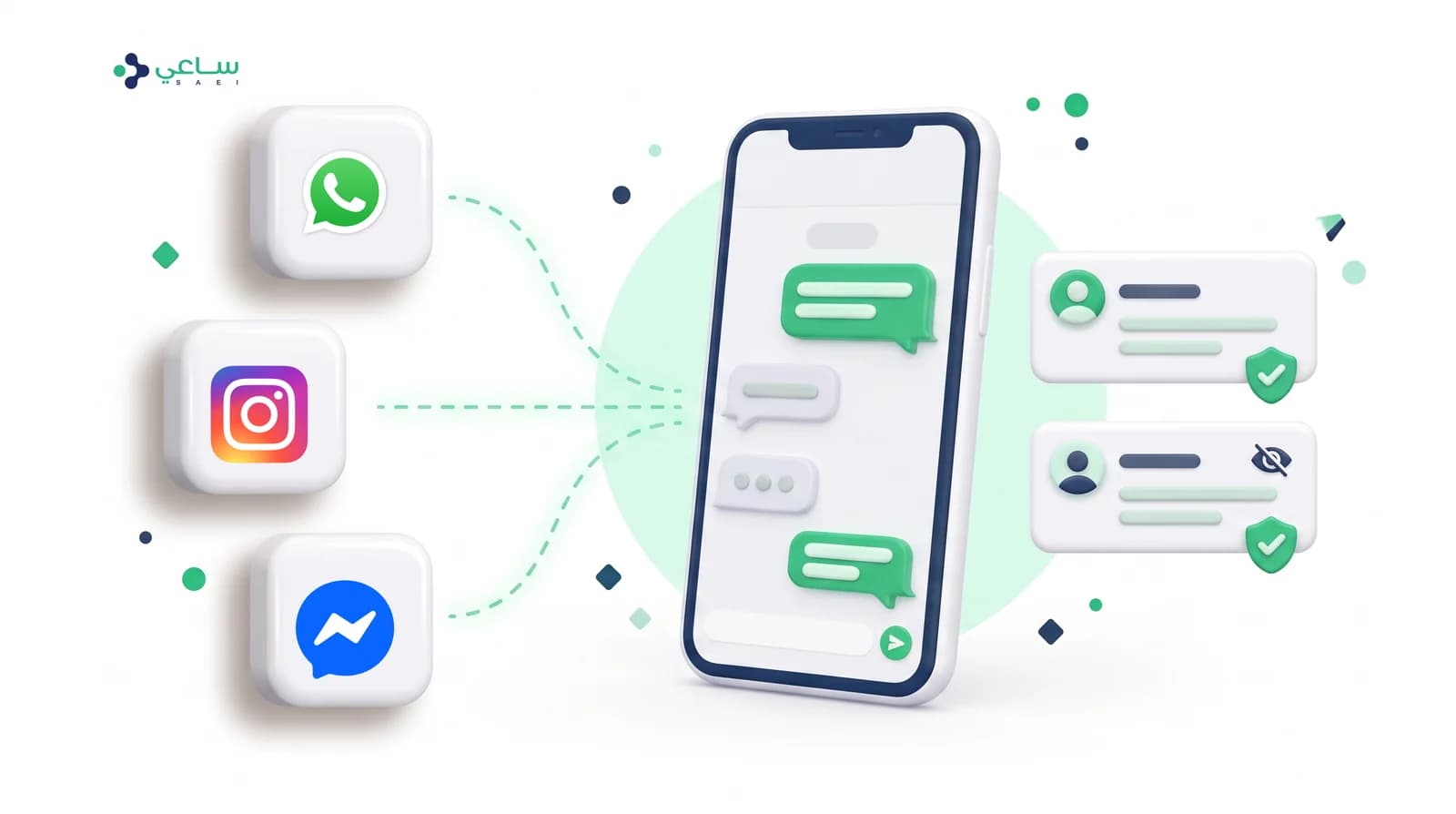
WhatsApp, Instagram and Messenger — their pages, permissions and health managed from one screen, with their messages reaching the same team. And every conversation keeps its own channel’s shape and rules.
 WhatsAppThe core channelConnected
Your core channel. Send and receive messages, launch campaigns, and run automatic replies.
InstagramConnectedInstagram direct messages, story replies and comments — in one inbox.
MessengerConnectedFacebook page conversations, managed alongside your other channels.
TikTokComing soonTikTok business messaging — reply to conversations from your profile and your ads.
The whole picture
Three channels in, one path out
Not an inbox per channel, and not a team per app. An incoming message — wherever it came from — takes the same path: one contact, one bot, one team.
WhatsAppMessages to business numbersInstagramMessages, story replies, commentsMessengerPage conversations and comments The shared inboxA thread per channel, one screen
What actually changes?
Before the inbox is unified you follow WhatsApp in one app, Instagram direct messages in another and Facebook page comments in a third — and every colleague knows half the story. Afterwards, a message from any channel arrives on the same screen, opens against the same contact, and is answered by the same person with the same permissions. The difference is not how many apps you open; it is that the customer feels they are talking to one organisation that knows them.
Unifying does not stop at the manual reply: the AI chatbot runs on all three channels with the same flow and the same knowledge base, and escalates the hard case to a person by the same rules, whichever channel the customer came from.
The channel matrix
The channels are not identical, and the platform knows the difference
These are not our limits — they are the platforms’ own rules. The difference is that the composer applies them before you send, so you do not discover them from a rejected message.
| WhatsApp | Messenger | Instagram | TikTok | |
|---|---|---|---|---|
| Customer identity | Mobile number | Page-scoped ID | Username | — |
| Single message limit | 4,096 characters | 2,000 characters | 1,000 characters | — |
| Attachment size | 16 MB | 25 MB | 25 MB | — |
| Free reply window | 24 hours | 24 hours | 24 hours | — |
| Approved templates outside the window | Yes | No | No | — |
| Quick replies the customer taps | No | Yes | Yes | — |
| Read receipt | Two blue ticks | Sent · Seen | Sent · Seen | — |
| Quote and forward a message | Yes | No | No | — |
| Send an emoji reaction | Yes | No | Yes | — |
| Pin and star | Yes | No | No | — |
The composer shows the channel’s own character counter, hides templates where they are not accepted, and shows the 24-hour window timer on WhatsApp alone.
Page management
Every page is managed on its own
The shop has a page, the branch has a page, the campaign has an account. You connect them all under the same channel, and control each one separately without touching the rest.
MessengerTwo pages connectedInstagramOne account active, one disconnectedDisconnecting deletes nothing — the conversations and the history stay, and reconnecting resumes receiving immediately.
Why control belongs to the page, not the channel
A business with more than one branch does not have one page: the Riyadh branch has a page, the Jeddah branch has a page, and the seasonal offers account is a third. So each page is stored as its own account — disconnected and restored on its own, and flagged on its own when its token expires.
If control were at the channel level
Disconnecting one account silences the whole channel.
Control at the page level
Only the Jeddah branch stops; the rest keep receiving as usual.
Every page appears under its own name inside its channel card, and its messages arrive tagged with where they came from.
Disconnect one branch and leave the rest running — the decision belongs to a page, not to the whole channel.
A page whose token has expired is flagged “needs reconnecting” rather than going quiet for no stated reason.
Setup check
Know the channel is working before your customer discovers it is not
One button asks Meta directly about the page’s state right now — not a state cached yesterday. And if a check fails, you learn which check failed, not a generic error.
Al Waha StoreLive checkLinking across channels
One customer, an identity per channel
Whoever messaged you on Instagram may be the same person who called on WhatsApp. You link their identities under one contact and see their whole history — without the threads getting mixed up.
 Saad Al-MutairiOne contact · three identities+966 50 ••• ••44The original channelalwaha.saadLinked by an adminSaad M.Linked by an admin
No automatic merging by name or photo. An admin links the identity, and who linked it and when is recorded.
An Instagram conversation stays an Instagram conversation — with its rules, its window and its composer.
Tags, fields and purchase history are read from the same record whichever channel they wrote from.
The shape of a conversation
One inbox, and a shape per channel
An agent should not have to remember which channel they are replying on — the thread itself tells them. Every conversation is drawn in its own app’s colours, with its own delivery receipts.
WhatsAppMessenger InstagramSaad Al-Mutairi· Al Waha Store5:10 pmGreat. I’d like to speak to someone, please.15Abdullah Al-Qahtani· Al Waha StoreYesterdayDo you have a branch in Jeddah?2Khalid Al-Dosari· Al Waha Store26 AugReplied to your story ❤️1Majed Al-Shammari· Al Waha — Jeddah branch26 AugReceived, thank you.3Turki Al-Otaibi· Al Waha Store22 AugI want to check on my order.7The bot is handling this· Take overHand to a colleague
Why not make every conversation look the same?
Because the look is information: before an agent types a character, the thread’s colours tell them what the channel accepts and what it refuses.
WhatsAppThe WhatsApp wallpaper and two blue ticks
The conversation is inside the 24-hour window
- An approved template reopens it once the window closes
- No quick replies for the customer to tap
MessengerThe blue Messenger bubble
This channel has no concept of templates
- Quick replies the customer taps instead of typing
- No approved templates
InstagramThe Instagram bubble with a story quoted above it
The message came as a reply to a story or a post
- Story replies and emoji reactions
- No approved templates
One uniform look would have hidden that difference, so the agent sends what the channel will not accept and finds out from a rejected message. Unifying the place while keeping the shape is what makes the team faster without making them wrong.
The connection is official, and the accounts stay yours
You sign in through Meta’s own window and choose the pages you want. No passwords shared, no intermediary app, and access revoked from your account settings whenever you like.
Meta’s own window lists your pages, and you choose.
Only the pages you selected are connected — nothing else.
Four checks confirm that receiving works.
Disconnect and reconnect without losing a conversation.
Frequently asked
Before you connect your second channel
Do I need new accounts for Instagram and Messenger?
No. You connect the page or account you already have through Meta’s official sign-in, and it stays yours — you can revoke access from your own account settings at any time.
Are a customer’s conversations from different channels merged into one thread?
No. Their identities are linked under one contact so you see their whole history, but each channel stays its own thread with its own rules, window and composer. And linking is an admin’s decision, never an automatic merge.
What happens if I disconnect one page?
That page alone stops receiving messages, and the channel’s other pages keep working. Conversations and history are not deleted, and reconnecting resumes receiving immediately.
Can I send templates on Instagram and Messenger?
No — approved templates are a WhatsApp construct. On the other two you reply inside the 24-hour window, and the composer hides whatever the channel will not accept before you send.
And TikTok? — coming soon
Soon. It is listed in the channel menu and cannot be connected yet, so do not plan around it today. When it opens it will appear on the same page and feed the same inbox, with no change to how you work.
Read next
More channels, the same team
Connect your first channel in minutes. Seven days free, with no credit card.