
Never miss a customer —
even with the app closed
Install SAEI on every colleague’s phone in a minute, and customer messages reach them the moment they arrive — day and night, phone locked. Under your company’s name and logo.

You will not miss a single message
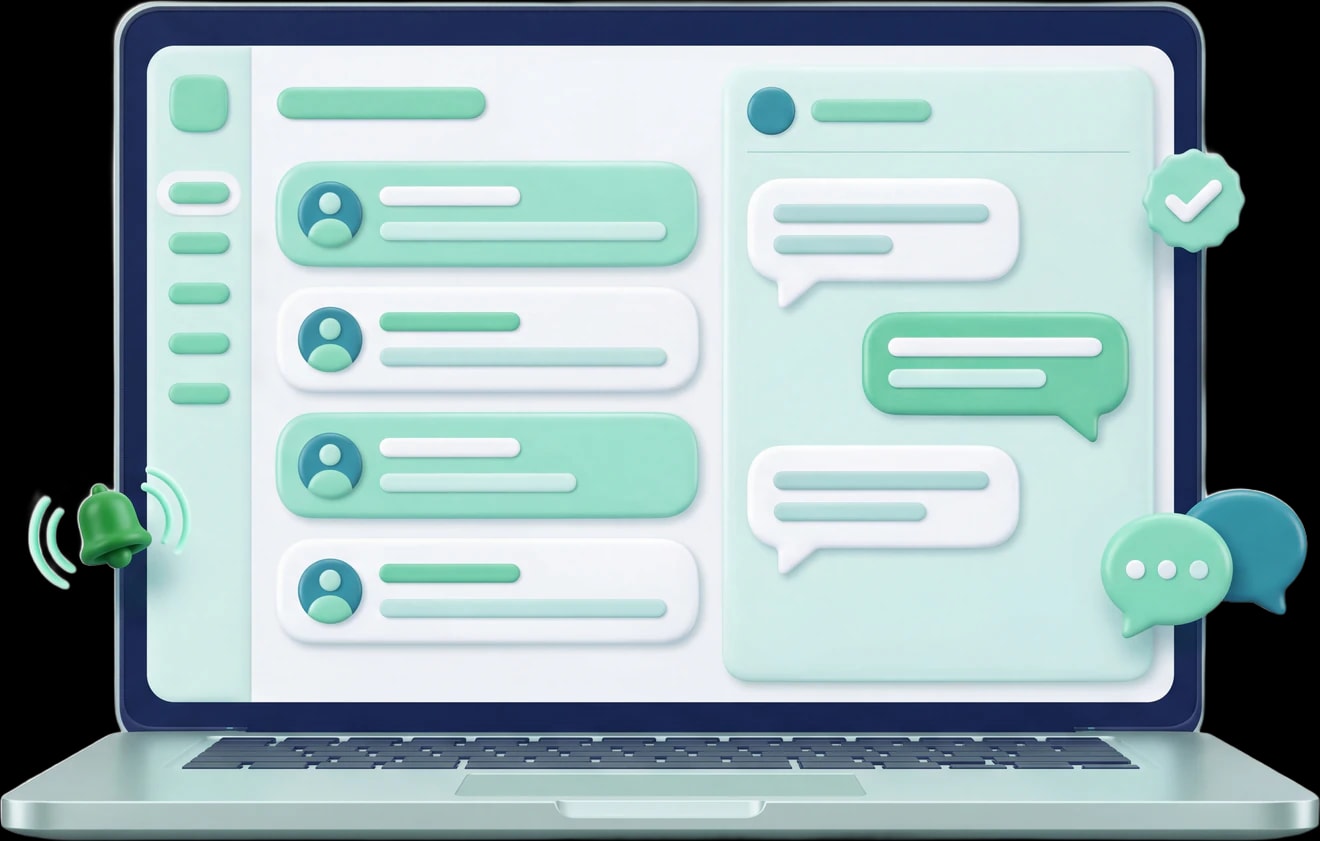
A real notification on phone and desktop, with the app closed and the screen locked. It arrives the moment the customer writes, and opens on that conversation. And the app gathers WhatsApp, Instagram and Messenger conversations from The shared inbox.
 CloseSnooze an hour
- They arrive immediatelyOn a locked phone, with the app closed.
- They group instead of piling upA customer’s consecutive messages become one alert whose count updates.
- Act from the alertOn Android and desktop: close the conversation or snooze it an hour without opening the app.
- They open that conversationTapping the alert takes you to the conversation, not the home screen.
What rings?
- A new message from a customer
- A conversation waiting for an agent
- A conversation that has gone unanswered
- A template Meta approved or rejected
- A campaign that has finished sending
- A colleague mentioned you in a private note
A whole working day in your team’s pocket
From first thing in the morning to after hours. This is what a support agent’s day looks like when the inbox is in their pocket.
- 08:00
Start with what is waiting
The app opens on what needs your reply, not on a report. Overdue, waiting, and assigned to you — each one tap away.
- Customer messages from the last 7 days
- Campaign results from the last 30 days
- Plan usage this month
- 12:30
Reply from anywhere
The whole conversation on your phone: saved replies, approved templates, a photo or a file, and a voice note from a long press on the microphone.
- A service-window bar tells you how much of the 24 hours is left
- Outside the window only approved templates appear
- Long-press a message to react to it or quote it
- 16:00
Assign, snooze, close
Everything you do to a conversation in the platform, you do from your phone in two seconds: assign to a colleague, snooze, add a private note, close.
- Snooze an hour, 3 hours, until tomorrow, or until next week
- A private note the customer never sees
- Hand the conversation back to the bot whenever you like
- 22:40
A customer writes after hours
Your customers do not keep office hours. A ten o’clock message reaches the on-call phone straight away, locked screen and closed app.
- Or the bot answers, and the alert rings only if a person is needed
- Swipe the conversation to close it without opening it
- Every alert opens that conversation, not the home screen
Your app — under your company’s name and logo, not ours
With white-label the app installs on your team’s phones under your workspace’s name, icon and colours. Your team sees their company everywhere: on the home screen, when the app opens, and on every alert.

The workspace names here are illustrative examples.
White-label is included in the Pro, and the app takes its name, its icon and its colours from your workspace’s identity. Compare the plans
Stay reachable around the clock
Your customers write at any hour. The app makes sure someone on your team knows immediately, without the whole team staying up.
- The alert does not wait for the app to open
- It arrives with the app closed and the phone locked, on iPhone, Android and desktop, under your company’s icon.
- No conversation falls between two shifts
- A conversation waiting for an agent, or overdue a reply, alerts the team and sits at the top of the opening screen until somebody takes it.
- Quiet, by each colleague’s own choice
- Every colleague has quiet hours, muted channels and a switch per alert type, and a supervisor can pin the important alerts for the whole team.
And everything the team needs, in their pocket
Not just an inbox. What a supervisor runs from the platform every day is in the app too, for when they are away from their desk.
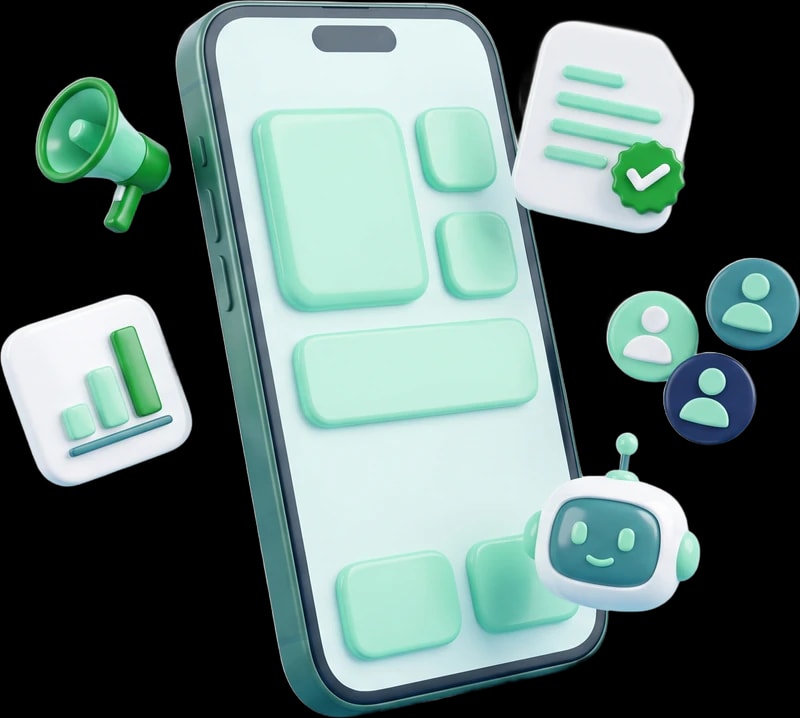
- Campaigns
- Send a campaign in 6 steps with a cost estimate before you send, and follow delivery and reads per recipient.
- Templates
- The state of every template with Meta, and create a new one as a draft then submit it for review when you decide.
- Alerts
- Everything that rang, in one list, each line opening the conversation or template it belongs to.
- Contacts
- Find any customer and open their conversation, and edit their details, tags and your custom fields.
- The team
- Who is carrying how many conversations, who has installed the app and can be alerted, and who has not yet.
- Reports
- The last 7 or 30 days: how many enquiries, average first reply, and customer sentiment.
- WhatsApp numbers
- The state of every number with Meta, its quality rating, and its daily sending limit.
- Bots
- Turn the conversation flow or the AI assistant on or off, per number.
Building flows, the full reports with export, and notification preferences — those stay in the platform, in a browser.
Ready in a minute, with no app store
No developer account, no store, no manual updates. A link from your workspace settings, and three steps on the phone.
From a browser Safari
- Open the install link in Safari — not from inside Instagram or WhatsApp.
- Tap the share button, then “Add to Home Screen”, then “Add”.
- Open the new icon, sign in, and allow notifications.
Requires iOS 16.4 or later. Apple only delivers notifications to apps added to the home screen, which is why the second step is necessary.
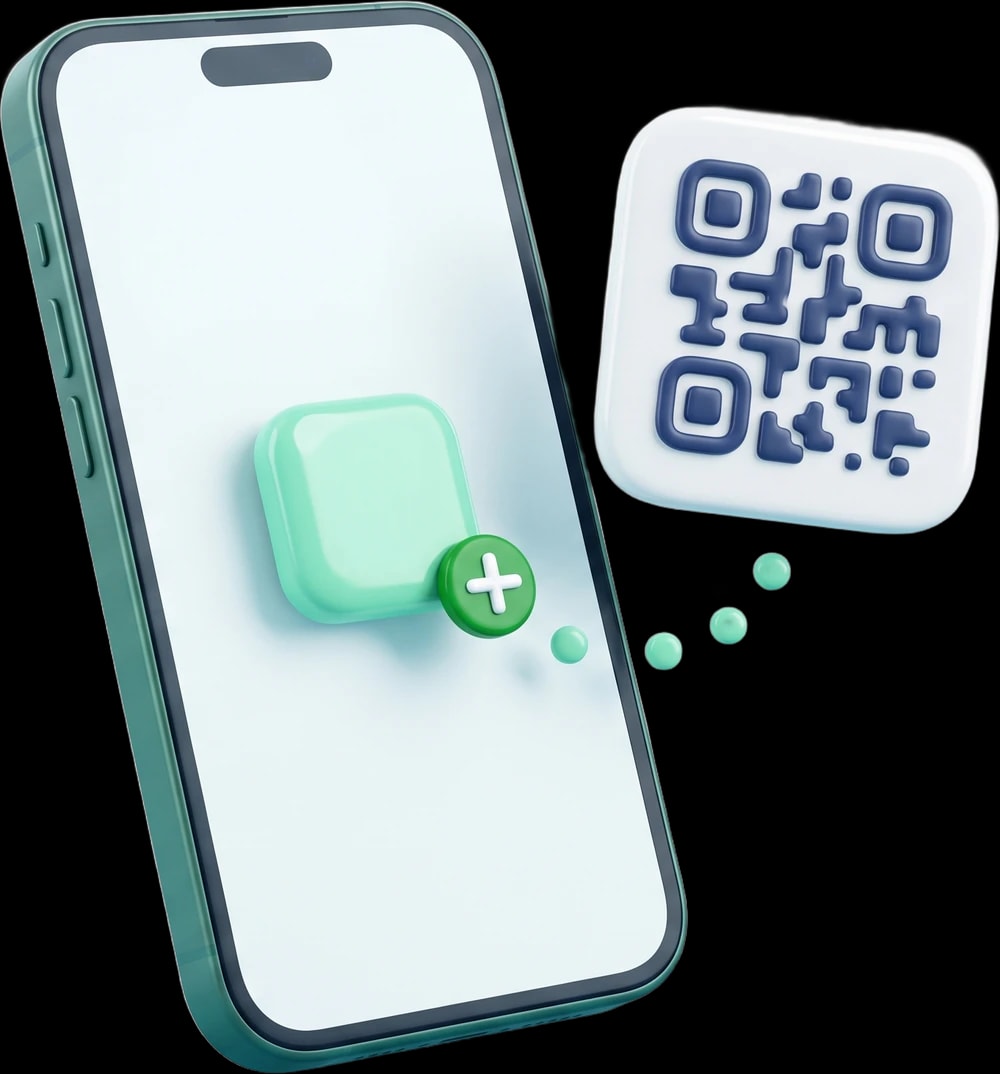
- One link for the whole team
- Every workspace has its own install link and QR code in the platform settings, which you send to your team once.
- No store, no manual updates
- It installs from the browser and updates itself: a bar appears with the new version, and one tap is enough.
- Know who is ready
- A “send a test alert” button confirms the phone is receiving, and the team screen shows who has installed the app and who has not.
- A shared phone? No problem
- Signing out unlinks the phone, so the previous colleague’s alerts stop ringing on it.
And with each colleague’s permissions
Every member sees in the app exactly what their permissions allow in the platform, and nothing else.
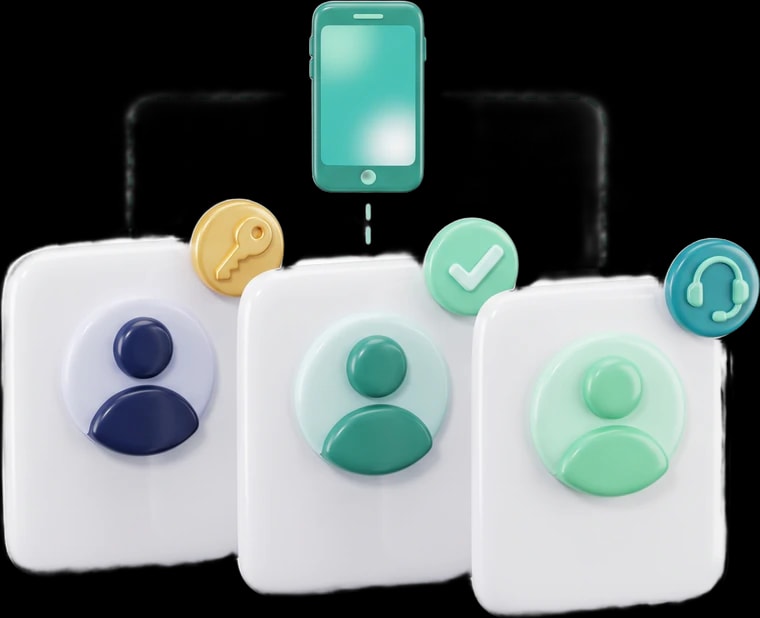
| Screen | Owner and supervisor | Agent | Customer-service seat |
|---|---|---|---|
| Inbox and conversations | Included | Included | Included |
| Contacts and alerts | Included | Included | Not included |
| Their own reports | Included | Included | Not included |
| Campaigns and templates | Included | Not included | Not included |
| Team, numbers and subscription | Included | Not included | Not included |
Questions before you install it
Is it an app from the app store?
No. It is an installable web app that runs as a full app from the home screen, with no store and no manual updates. You install it from your workspace link in a minute.
Do notifications arrive with the app closed?
Yes, on iPhone, Android and desktop. The alert reaches the phone’s notification centre, and tapping it opens that conversation.
Does iPhone need an extra step?
Yes. On iPhone and iPad you have to open the link in Safari and add the app to the home screen for notifications to work, and that requires iOS 16.4 or later.
Which plan includes the mobile app?
The mobile app is available to workspaces on the Pro plan, along with white-label, which shows the app under your company’s name and logo.
Who on my team can use it?
Every member of the workspace, according to their permissions: the owner and supervisors see everything; an agent sees the inbox, contacts, alerts and their own reports; a customer-service seat sees the inbox and conversations only.
What if the connection drops?
The app opens and shows the last of the inbox it loaded, and messages you write wait for the connection to come back before sending.
Can I turn alerts off outside working hours?
Yes. Every colleague has quiet hours, muted channels and a switch per alert type in the platform settings, and a supervisor can pin the important alerts for the whole team.
Does it work in Arabic and English?
Yes, and you switch between them inside the app.
Your team is ready to reply, wherever they are
Subscribe to the Pro plan, and install the app on every colleague’s phone from your workspace link.