
Mobile number verification · over WhatsApp
Verifying your customers’ numbers
Over WhatsApp
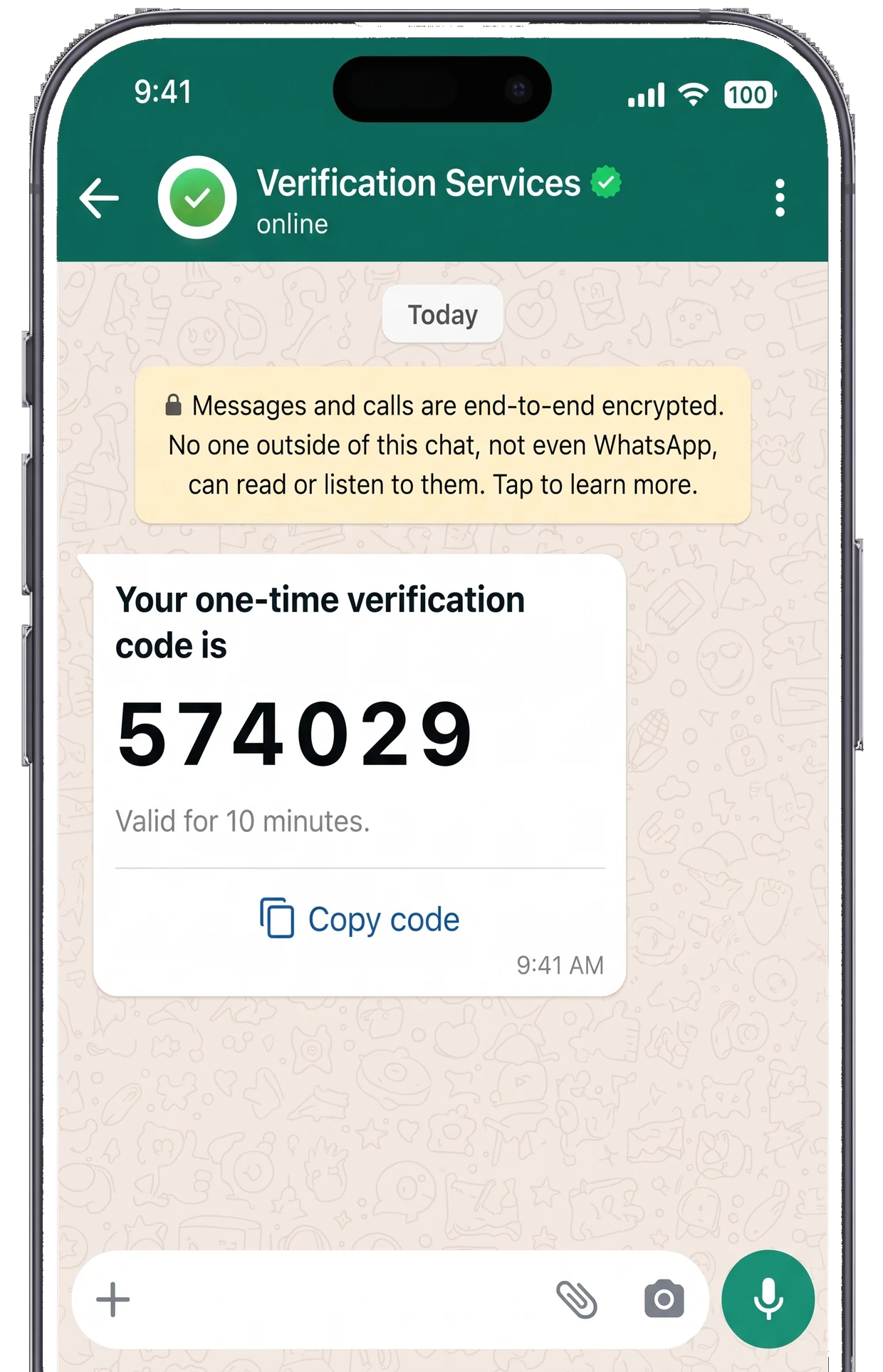
A one-time verification code is a temporary code sent to the customer in a WhatsApp message from your verified business number. They tap “Copy code” and paste it into your system, and your system verifies it with a single call.
- API calls
- Just two
- Code digits
- 4 to 8
- The plain code
- Never stored
How verification works
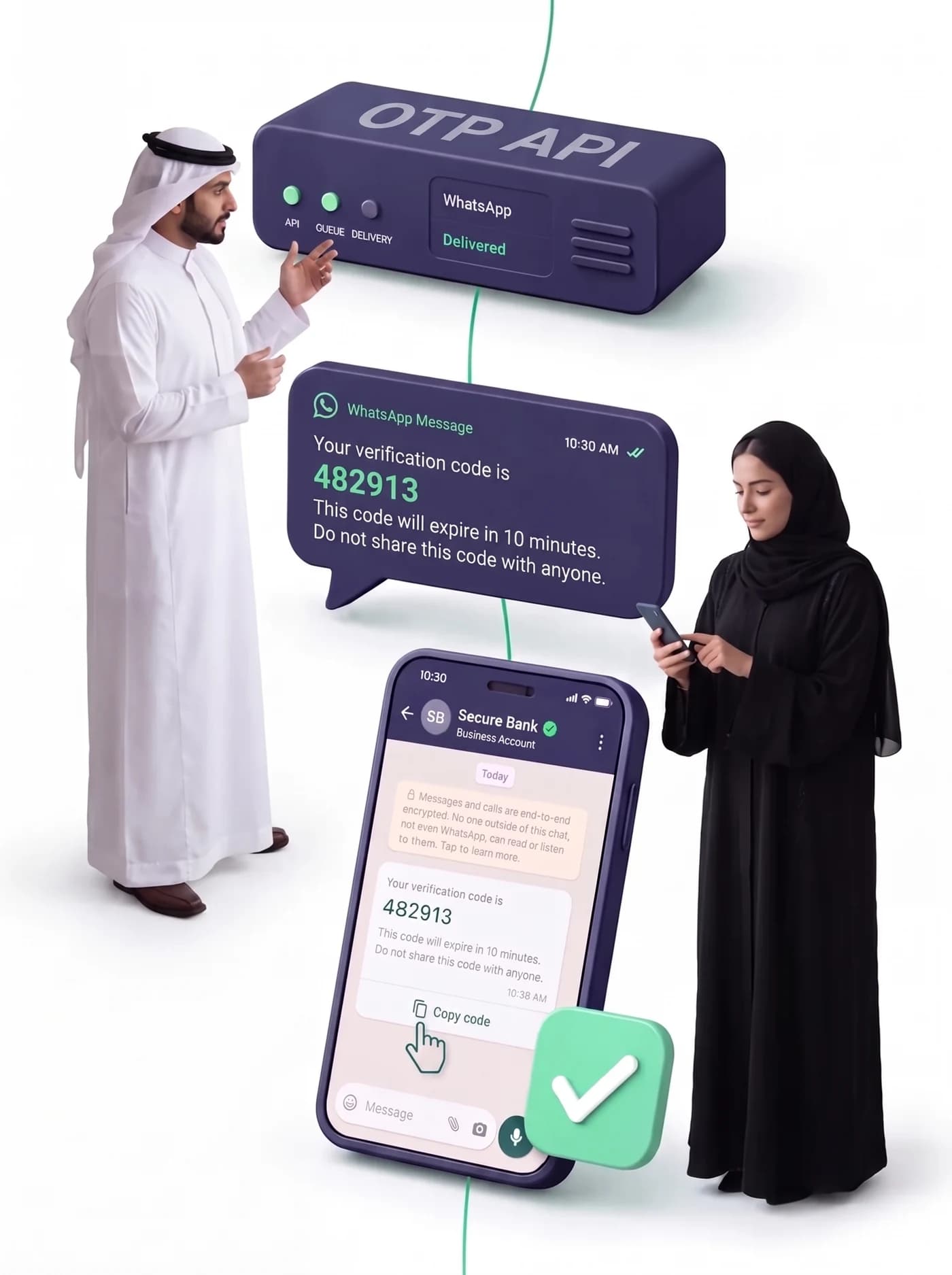
Every verification passes through five states that the API returns. The first three are about delivering the message; the last two are about the customer entering the code.
Verification requested
Your system calls /v1/verify/start with the customer’s number. We generate the code and store only its hash.
pendingSent over WhatsApp
The code goes out in a Meta-approved authentication template, from your verified business number.
sentReached the device
WhatsApp confirms the message reached the customer’s device. The state appears in delivery_status.
deliveredThe customer read it
They opened the chat and tapped “Copy code”. Nothing typed by hand, nothing mistyped.
readVerified
Your system calls /v1/verify/check with the code. The comparison runs in constant time.
approved
What the service does
No add-ons afterwards and no modules bought separately. Set what suits the sensitivity of your operations from the dashboard.
Code length, lifetime and attempt limits are all set from the dashboard.
A code of 4 to 8 digits
Four digits for a faster experience, eight for banking. Changed in settings immediately, with no deployment.
code_lengthA configurable lifetime
Set how many seconds the code stays valid. After that it becomes expired and accepts no attempt.
ttl_secondsA cap on entry attempts
After a set number of wrong attempts the verification becomes denied. That closes the door on brute-force guessing.
max_attemptsArabic and English
The language is set per verification, or left to the platform default.
localeThe integration
Send the code, then verify it. The dashboard generates these examples with your real key and number, ready to copy.
Every notification carries the signature X-OTP-Signature computed with your secret. Compute the signature over the request body and compare, and you reject anything we did not send.
WhatsApp versus SMS
The whole picture, including the one case where SMS still wins.
| Over WhatsApp | By SMS | |
|---|---|---|
| Cost per verification | One authentication message at a fixed, known price | Billed by segment, and Arabic text counts as three segments |
| Entering the code | A one-tap “Copy code” button, nothing typed | Read the message, then type the code out |
| Delivery confirmation | Sent, then delivered, then read — per message | A delivery report only, and its accuracy varies by operator |
| Sender identity | Your verified business name with the green tick | A text sender ID that is easy to spoof |
| Coverage | Anyone with WhatsApp on their device | Any mobile number, even with no internet |
Use cases
Four moments where the same question comes up: does this number belong to its owner? Pick the one closest to yours.
Verify the number before it becomes an account.
Sign-up without verification fills your database with wrong numbers and fake accounts. One code before the account is created proves the number is real and belongs to the person, and gives you a confirmed channel from day one.
- Correct numbers in your database instead of typos
- Fewer fake accounts and less automated sign-up
- A proven channel before your first marketing message
Sign in without a password, and recover without email.
Forgotten passwords generate support tickets, and email recovery is slow and often lands in junk. A verified mobile number is faster and closer to the user, and works either as the primary sign-in or as a second layer over a password.
- Fewer “I forgot my password” support tickets
- Recovery in seconds instead of waiting on an email that may not arrive
- A second verification layer for sensitive actions inside the account
Confirm the intent before you ship.
Fake orders and cash on delivery load the store with return shipping it never recovers. A verification code before the order is confirmed separates the serious customer from the prank, and leaves a documented trace that the number’s owner really agreed.
- Fewer returned orders and less wasted shipping cost
- The serious order identified before it is picked and leaves the warehouse
- A verification record attached to the order for any later dispute
A change of address or a refund deserves a second check.
The riskiest moment is not creating the order but changing it: the delivery address, a refund request, or the mobile number itself. A verification code at that point protects the customer from fraud and protects you from liability.
- Protection against a parcel diverted to an address that is not the customer’s
- The requester’s identity confirmed before any refund or cancellation
- A real read receipt proving the code reached the number’s owner
Who can enable verification?
Verification runs on the WhatsApp Business platform, so the same Meta account conditions govern it. Check the three points below before you start.
Business verification
Your business must be verified inside Meta Business Manager with your commercial registration documents. That is Meta’s condition rather than ours, and it is what unlocks the higher sending tiers.
A sending tier of 2,000 conversations or above
We enable verification for numbers that have reached the 2,000 conversations a day tier or higher. Business verification alone usually lifts you to that tier, and Meta’s ladder runs 250 → 2,000 → 10,000 → 100,000.
A healthy quality rating
Keep your number’s quality rating at “high” or “medium”. A low rating does not just block the upgrade — it can drop your number to a lower tier and affect whether verification codes arrive at all.
Read your current tier from: Meta Business Suite → WhatsApp Manager → Account tools → Messaging limits.
The full guides

Frequently asked questions
How long does it take to wire verification into my system?
Two calls: /v1/verify/start to send the code, and /v1/verify/check to verify it. The dashboard generates copy-ready examples with your real key and number, and you can try sending and verifying inside the platform before writing any code. The integration itself is usually under an hour.
Do you store the verification code?
No. The plain code is generated, handed to the send path, and never stored or logged anywhere. What the database keeps is an HMAC-SHA256 hash, and verification compares in constant time. Even if the database leaked, no code could be recovered from it.
What if the code never reaches the customer?
You see the real delivery state for every attempt: sent, delivered, or read. That separates “the customer did not enter the code” from “the message never arrived”. You can also receive a signed notification on your server the moment the state changes, and decide automatically: resend, or move the customer to another route.
How do you protect my account from message-pumping attacks?
Three layers run before any message is sent: a cooldown between requests to the same number, a daily cap per number over 24 hours, and a general API limit of 30 requests a minute per key. Because the check comes before the call, a rejected request costs you no message and does not affect your number’s quality rating with Meta.
Do I need a verified WhatsApp Business number?
Yes. Verification sends through a Meta-approved authentication template from your verified business number, and that is exactly what makes the customer trust the message: your real business name instead of an unknown sender ID. The platform walks you through verification, creating the template, and getting it approved.
Can I use more than one number, or more than one template?
Yes. If you have several WhatsApp numbers you can set the sender and the template per verification through the from and template_id fields, or leave them empty and let the platform use the default. The platform blocks in advance any attempt to pair a number with a template from a different business account.
What is the difference between WhatsApp verification and SMS?
WhatsApp gives you a one-tap “Copy code” button, so entry failures drop; it gives a real read receipt; and it shows your verified business name. SMS is billed by segment, and Arabic text is encoded so that one message counts as three segments. SMS stays useful as a fallback for anyone without WhatsApp.
Is the service on every plan?
Verification is part of the Pro plan. It includes the full API, key management and rotation, signed result notifications, and a dashboard for following verifications.
Send a real code to your own number in minutes.
Create your account, enable verification, and send a code from the dashboard before you write a line of code.