In this article5
Before Coexistence the choice was a hard one: either delete your account from the app to connect the number to the API and lose your conversations, or start on a new number your customers do not know. Neither is necessary now.
What this means in practice
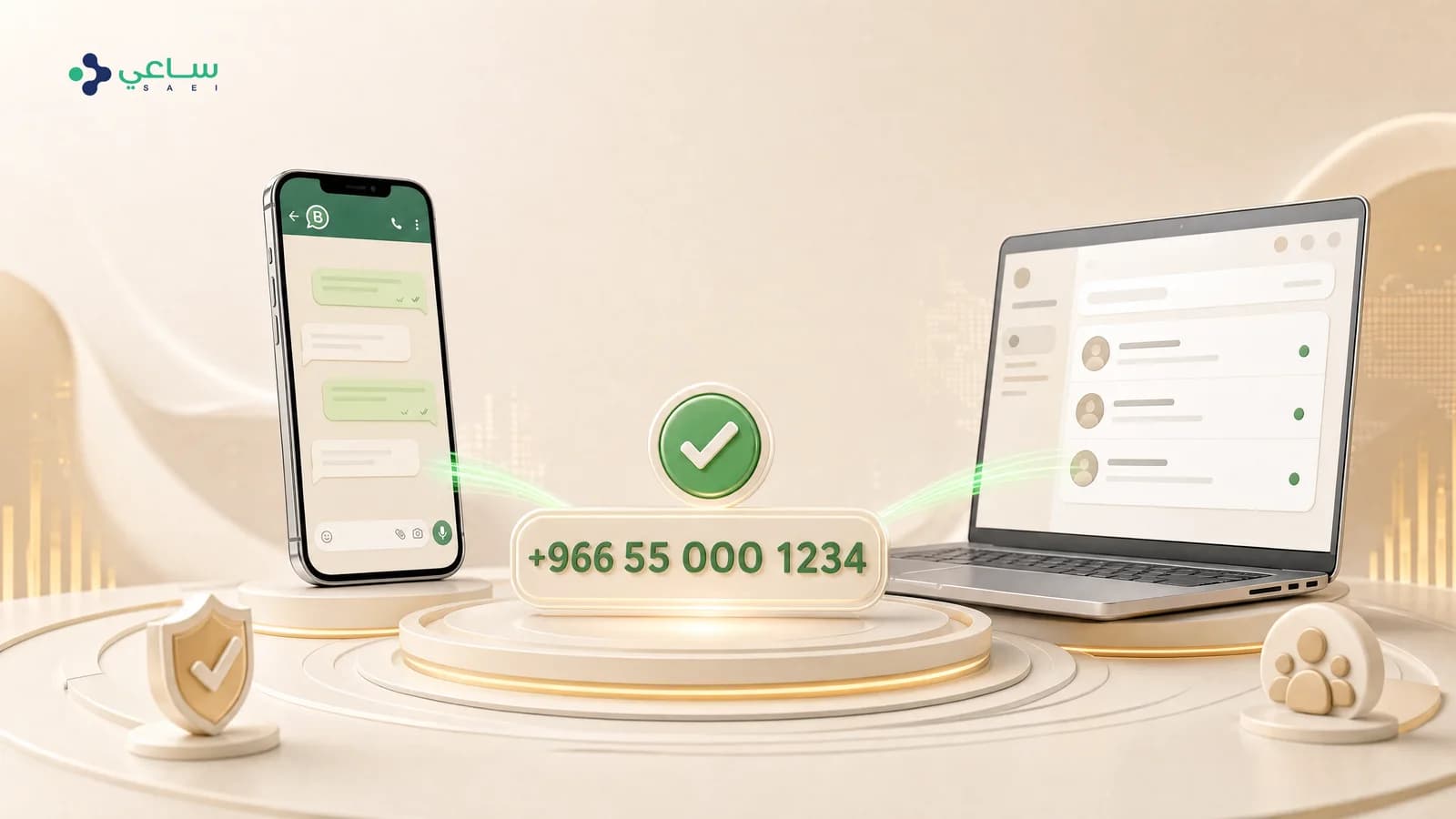
- Your team keeps replying from the WhatsApp Business app on their phones, exactly as before.
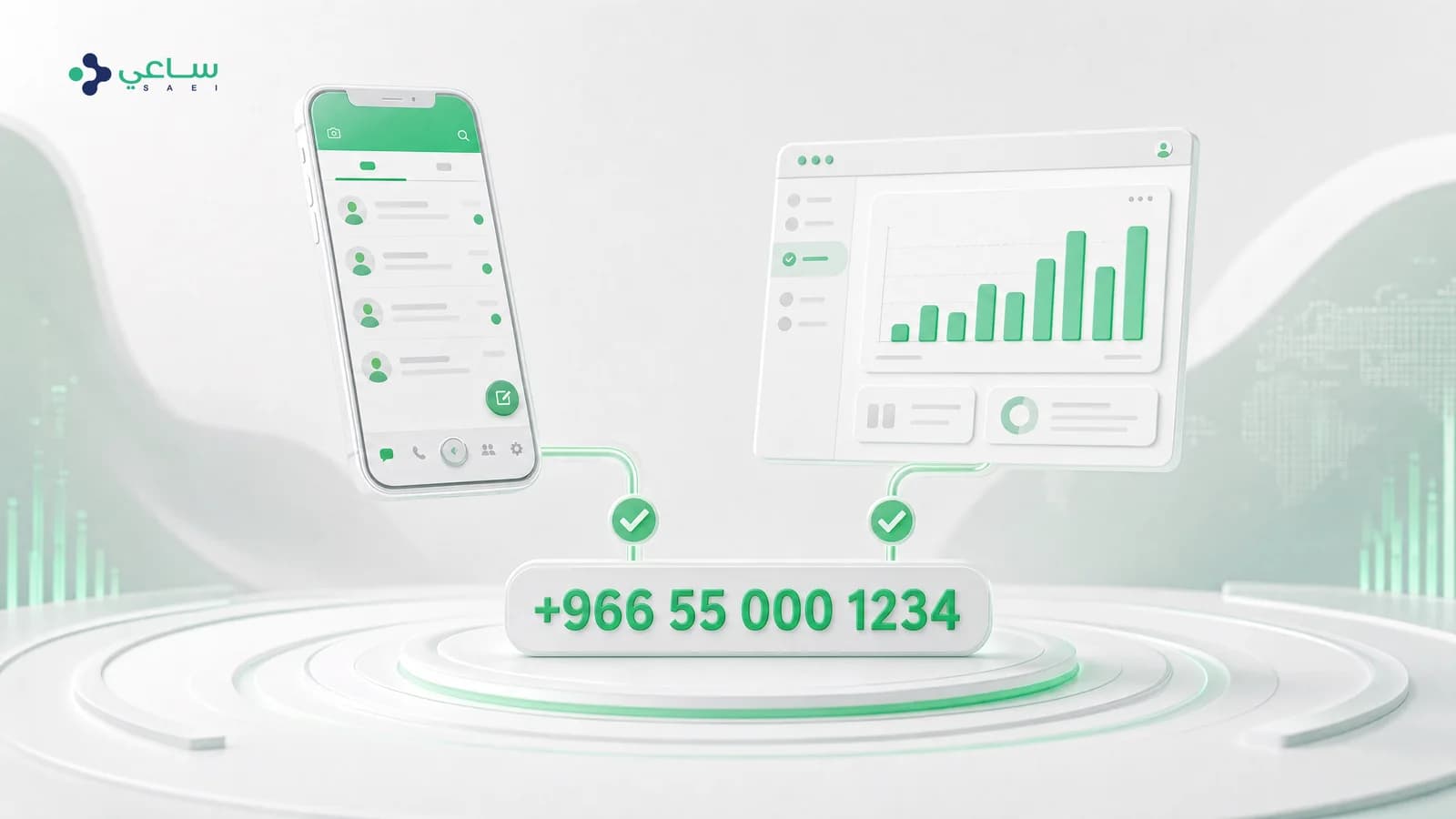
- The platform runs on the same number: campaigns, automatic replies, a shared inbox for the team, and reports.
- Your existing conversations stay, and you delete nothing.
- The number your customers know stays the number — no new one, no re-introducing yourself.
What moves and what does not
It helps to go in expecting the right thing. When you connect, recent conversations and contacts move across within a time window Meta sets — not the number’s entire history.
| What | Moves across? |
|---|---|
| Recent conversations | Yes, within a time window Meta sets |
| Contacts | Yes |
| A very old archive | Not necessarily |
| All historical media and attachments | Not necessarily |
| The WhatsApp Business app itself | Keeps working as it is |
The steps
- Start the connection from inside the platform, and choose the route for a number already in use in the app.
- Complete Meta’s steps in the window that opens: sign in, choose the business portfolio, then confirm the number.
- Confirm the process from inside the WhatsApp Business app on your phone when you are asked to.
- Wait for the conversations and contacts to finish syncing — usually a few minutes.
- Check that the number shows as connected in the platform before you start any campaign.
The mistake that fails the whole thing silently
The practical effect is that retrying alone does not fix it, because the code is spent once. The prevention is simple: finish the connection in a browser on a desktop machine. And if you have already landed in this state, contact support — it needs re-initialising from the platform’s side.
When is Coexistence not the right choice?
If the number is tied to a previous provider, or was never used in the WhatsApp Business app at all, you are in a different case. And if you are seeing “this number is not eligible”, the cause is usually not Coexistence but one of the reasons set out in the “number not eligible” guide. And if your question was which of the two routes suits you in the first place, the full comparison is in Coexistence or Cloud API.
Will I lose my existing conversations?
No. That is the whole point of Coexistence: the app stays exactly as it is, with its conversations, and the platform’s connection is added on the same number. The alternative route — deleting the account from the app and then connecting — is the one that loses you everything, and there is no need for it here.
Can my team carry on using the WhatsApp Business app?
Yes. The app keeps working on the phone exactly as the team is used to, while the platform runs on the same number for campaigns, automatic replies and the shared inbox. That is the main benefit: you do not have to decide between the app and the platform.
What moves across to the platform when I connect?
Recent conversations and contacts move across from the app, within a time window Meta sets. A very old archive and the full media do not necessarily come with them. Treat what moves as a good starting point, not a complete copy of the number’s history.
I finished the steps on Meta and the platform still says “not connected”. Why?
The most common cause is that you started from a phone. The link completes on Meta’s side, but the authorisation code never returns to the platform’s page, so the account is left hanging. Try again from a browser on a desktop machine, and if it persists contact support — the process needs restarting from our side.
Can I undo it later?
Yes. The number can be disconnected from the platform and you carry on with the app alone. It is the other direction — deleting the account from the app — that cannot be undone, because it erases the conversations.
Do I need a new number?
No, and that is the entire point. Coexistence exists precisely so it works on the number your customers already know, instead of starting on a new one nobody recognises and losing your history with it.