In this article9
- Why this point matters
- The first and most common cause: the number is still registered to an existing WhatsApp account
- The second cause: the number is still attached to a previous provider
- The third cause: the type of number is not accepted
- The fourth cause: the format of the number
- The fifth cause: the number sits inside another Meta business account
- The sixth cause: repeated attempts in a short space of time
- A quick checklist before you try again
- And if you have tried all of it?
Before anything else, one point that will save you a great deal of time: this message comes from Meta, not from the platform you are trying to connect through.
Why this point matters
When you start the connection, Meta checks the number at its own gate first. If it refuses, the process stops there and never reaches the platform at all — which means the provider’s logs are completely empty of the attempt. That has two practical consequences:
- Moving to another provider will change nothing. The refusal is about the number, not the platform.
- The fix is always in the state of the number itself at WhatsApp and Meta, which is what we go through cause by cause below.
The first and most common cause: the number is still registered to an existing WhatsApp account
This is the cause in most cases. The number is currently in use in ordinary WhatsApp or in the WhatsApp Business app on some device, and one number cannot be registered in two places at once.
But before you delete: if you genuinely use the app with your customers, deleting means losing the conversations and stopping work on it. In that case delete nothing, and use the Coexistence route, which is designed precisely to run the app and the API on the same number without losing anything.
The second cause: the number is still attached to a previous provider
If you have connected the number with another platform or agency before, it is probably still attached to a WhatsApp Business account (WABA) of theirs, so Meta sees the number as taken and refuses the new connection.
Only the previous provider can fix it: ask them to release the number or to run an official migration. No third party can release it on your behalf, because the permission belongs to the business account currently holding the number.
The third cause: the type of number is not accepted
Meta requires the number to receive a text message or a call to complete verification, and to be a real number you own.
| Number type | Works? | Note |
|---|---|---|
| An ordinary mobile | Yes | The ideal case — verify by text message |
| A landline | Usually | Choose voice-call verification instead of the text message |
| A virtual / VoIP number | Usually not | Many of these are refused at Meta’s gate |
| A temporary number or an SMS-receiving service | No | Refused |
The fourth cause: the format of the number
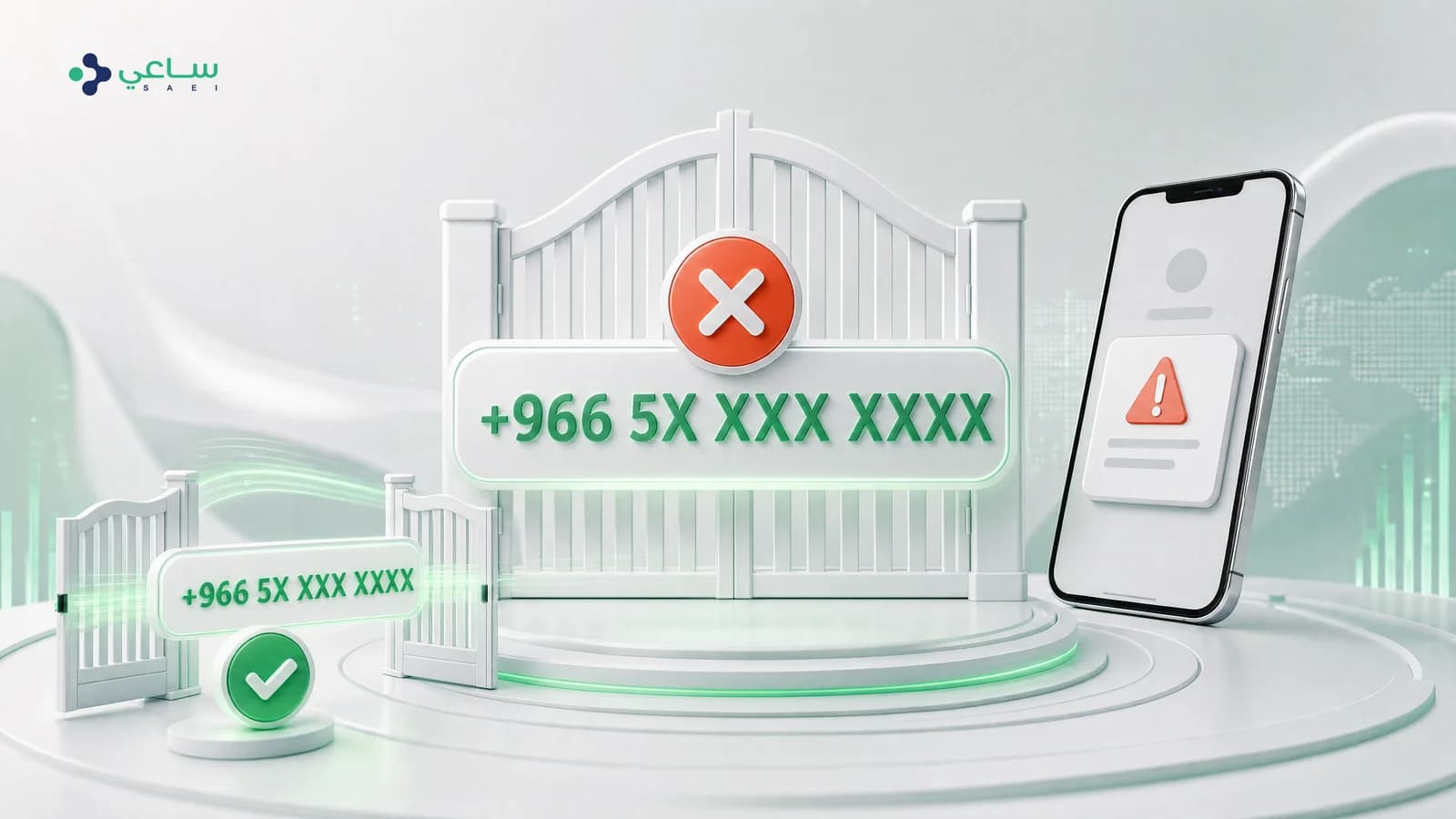
The number is written in full international format: the country code, then the number without the leading zero. The Saudi number 05xxxxxxxx is written +9665xxxxxxxx. Keeping the zero or leaving out the country code produces an immediate refusal that looks at first glance like an eligibility problem.
The fifth cause: the number sits inside another Meta business account
The number may be sitting in an old business portfolio belonging to your company — one a former employee or a marketing agency created. Open business.facebook.com with your account, review the WhatsApp Business accounts attached to it, and if you find the number there, remove it from that account first.
The sixth cause: repeated attempts in a short space of time
Repeating the attempt dozens of times within minutes can put a temporary cool-down on the number. If you have corrected the real cause and are still being refused, wait a full hour and try once.
A quick checklist before you try again
- The number is not registered in WhatsApp or WhatsApp Business on any device, or you have chosen the Coexistence route.
- No previous provider is still holding the number in a WhatsApp Business account of theirs.
- The number can receive a text message or a call right now, and you have the device.
- The number is written in international format, with no leading zero.
- You have checked your Meta business portfolios and did not find the number attached to an old account.
And if you have tried all of it?
There remains a chance that the number is held in an account you have no permission over, which can only be resolved from inside that account or through Meta support. If you are a customer of ours, contact support with the number in international format and the time of your last attempt, and we will check the technical side and point you at the right route.
Does “this number is not eligible” come from the platform or from Meta?
From Meta directly. Meta stops the attempt at its own gate before it reaches any platform, which is why your provider sees no trace of the attempt in its logs. The practical consequence: changing provider will not fix it, and the fix is always in the state of the number itself.
My number is in use in the WhatsApp Business app — do I have to delete the account?
No, not necessarily. If you want to keep the app and the conversations, use Coexistence, which is the route designed for exactly this case. Deleting the account is only required if you choose to move fully to the API and give the app up.
I deleted the app from my phone and the number still shows as not eligible. Why?
Because uninstalling the app does not delete the account from WhatsApp’s servers — the number stays registered. The actual deletion happens inside the app: Settings, then Account, then Delete my account. Then wait a few minutes before trying again.
Does a virtual (VoIP) number or a unified contact number work?
Usually not. Meta requires a number that can receive a text message or a call to verify, and it rejects many VoIP and temporary numbers. Landline numbers usually work if you choose voice-call verification instead of the text message.
I was with another provider and want to move. What is the step?
The number is still attached to a WhatsApp Business account (WABA) at the previous provider. Ask them to release the number or to run an official migration. No third party can release it on your behalf — the permission sits with whoever owns the account it is in.
How long do I wait after deleting the account before trying again?
A few minutes is enough in most cases. If the message persists after an hour, the cause is probably not the app but the number being attached to another business account, or the type of number itself.