In this article9
- What are messaging limits on WhatsApp?
- The messaging-limit tiers
- How does your daily limit rise? (per Meta’s requirements)
- The quality rating, and why it matters most
- How to check your current limit
- The 2025 per-message pricing model
- Best practice for raising your limit safely
- Common mistakes that lower your limit
- Frequently asked questions
This guide explains, practically, what messaging limits are, what the tiers are, and how to raise your daily limit step by step, based on what Meta Business Suite itself shows you.
What are messaging limits on WhatsApp?
The messaging limit is the number of business-initiated conversationsyou are allowed to start in a rolling 24-hour period. It is important to separate two kinds:
- A business-initiated conversation: you message the customer first (a template message) — this is what counts against the limit.
- A customer-initiated conversation: the customer starts it by messaging you, and your reply inside the 24-hour window does not consume your daily limit.
The messaging-limit tiers
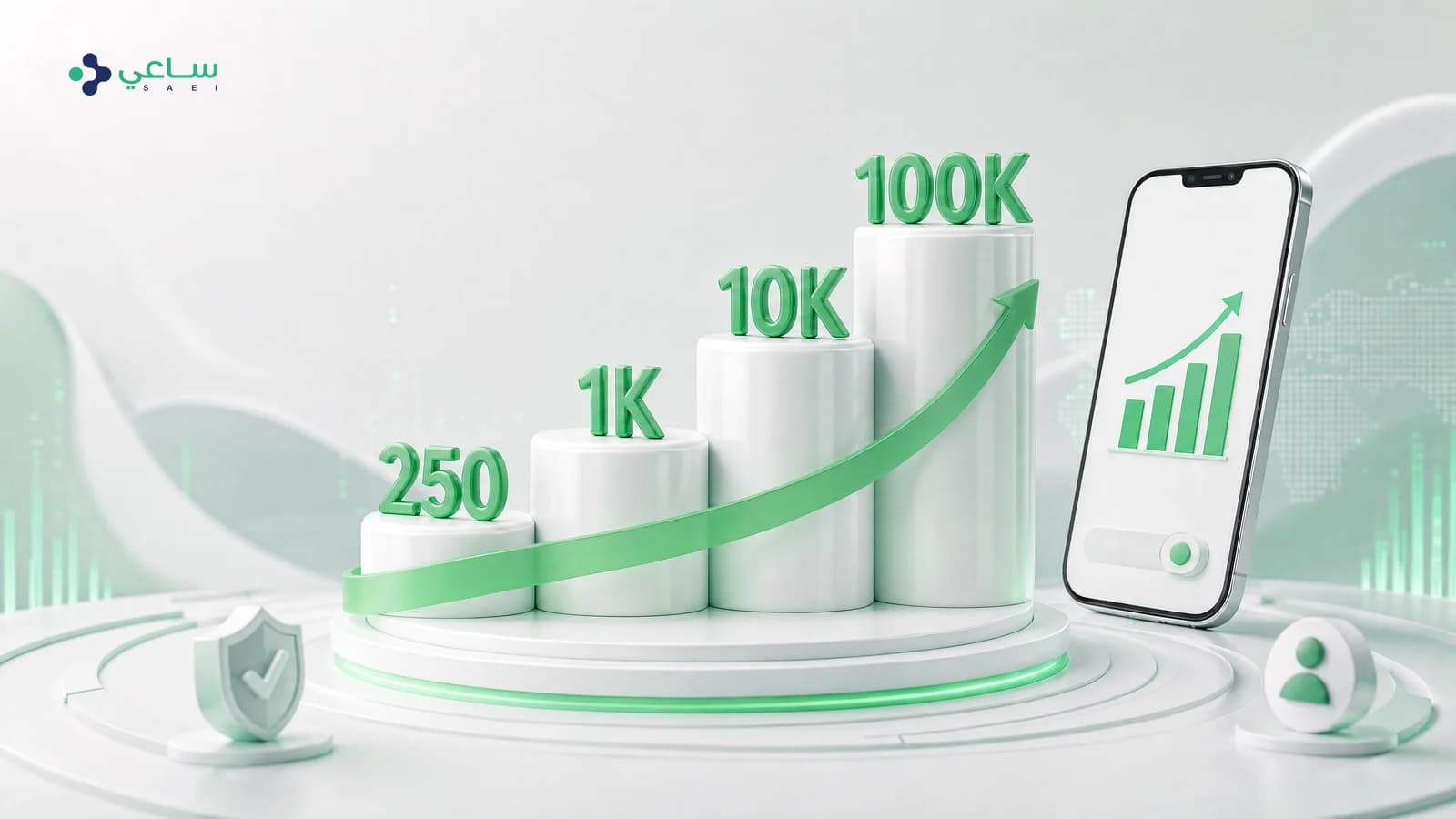
WhatsApp raises your limit automatically as your number proves quality and a healthy volume of use. The recognised tiers:
| Tier | Conversations allowed per 24 hours |
|---|---|
| The starting tier | 250 conversations |
| Tier one | 1,000 conversations |
| Tier two | 10,000 conversations |
| Tier three | 100,000 conversations |
| The top tier | Unlimited |
How does your daily limit rise? (per Meta’s requirements)
The Messaging Limits screen inside WhatsApp Manager ← Account tools ← Messaging limits shows two routes to a 100,000-conversation limit:
- 1.Verify your business (Business Verification)Submit your business documents in Meta Business Manager. Verification alone takes you to 2,000+ conversations a day, and it is the basic condition for the higher tiers. See our full guide to business verification.
- 2.Or meet the three conditions automaticallyStart conversations with 250 unique customers in a rolling 7 days, with a quality rating of “high” or “medium”, andat least 48 hours steady at your current limit . Once those are met, WhatsApp raises the limit automatically without you asking.
The quality rating, and why it matters most
The quality rating is the health indicator for your number. It is worked out from how users react (blocks, reports, “not interested”), and comes in three grades:
- High: excellent — it qualifies you for an upgrade.
- Medium: acceptable, but an early warning.
- Low: dangerous — your limit may be cut or your number suspended.
A falling quality rating does not only block an upgrade, it can demote your number to a lower tier. Which is why quality always comes before volume.
How to check your current limit
- 1.Open Meta Business Suitein a desktop browser.
- 2.Go to WhatsApp Managerfrom the side menu.
- 3.Choose Account tools → Messaging limitsYou will see the current limit and the 24-hour period.
- 4.Review the tiers and their requirementsThe next tiers (2,000, 10,000 and 100,000) with the conditions for each upgrade.
The 2025 per-message pricing model
From 2025 Meta moved from pricing per conversation to pricing per message for templatemessages. That change does not do away with messaging limits; the limit is still measured by the number of conversations your business starts in 24 hours, but the cost is now worked out per template message according to its category (marketing, utility or authentication).
Best practice for raising your limit safely
- Message real opt-in lists: send only to people who agreed to hear from you.
- Segment your audience and write messages with something in them — useful content lowers blocks and reports.
- Start at graduated volumes, and never send a huge batch from a new number.
- Watch the quality rating weekly and act the moment it drops to “medium”.
- Invest in inbound conversations (they do not consume the limit and they improve engagement).
- Verify your business early, to open the higher tiers.
Common mistakes that lower your limit
- Sending marketing messages to numbers that never opted in (which drives blocks and reports up).
- Repetitive or misleading content, or suspicious links.
- Sudden huge batches from a new, unprotected number.
- Ignoring the quality rating until it reaches “low”.
Frequently asked questions
What is the starting messaging limit on WhatsApp Business?
Most new numbers start at a limit of 250 business-initiated conversations in a rolling 24-hour period.
Does replying to a customer’s message count against the limit?
No. Conversations the customer starts by messaging you, and your reply inside the 24-hour window, do not consume your daily messaging limit.
How long does it take to raise the messaging limit?
Once the conditions are met (messaging 250 unique customers in 7 days, a high or medium quality rating, and 48 hours steady at your current limit), the limit rises automatically, usually within days.
How do I reach the 100,000 conversation limit?
By verifying your business in Meta Business Manager while keeping a good quality rating, meeting the usage requirements, and reaching the lower tiers first.
Can my limit go down?
Yes. If your quality rating drops to “low”, your limit can be cut to a lower tier or the number can be suspended temporarily.
Did the 2025 per-message pricing change the messaging limits?
It does not affect the limit itself (the number of conversations), but it changed how the cost is worked out — now per template message sent, according to its category.