In this article6
This guide covers where the rating comes from, what happens to your limit at each grade, what actually pushes it down, and how to raise it within days — plus what delays recovery instead of speeding it up.
What the rating is calculated from
WhatsApp does not read your messages to judge them. It measures how the people receiving them react: blocks, reports, and marking a message as unwanted. All of those are things the recipient does rather than you, and all of them happen after sending rather than before.
One practical consequence matters most: a single message to an audience that never permitted you can hurt your rating more than a thousand messages to an audience expecting them. Volume is not the measure; reaction is.
The grades, and what each means for your limit
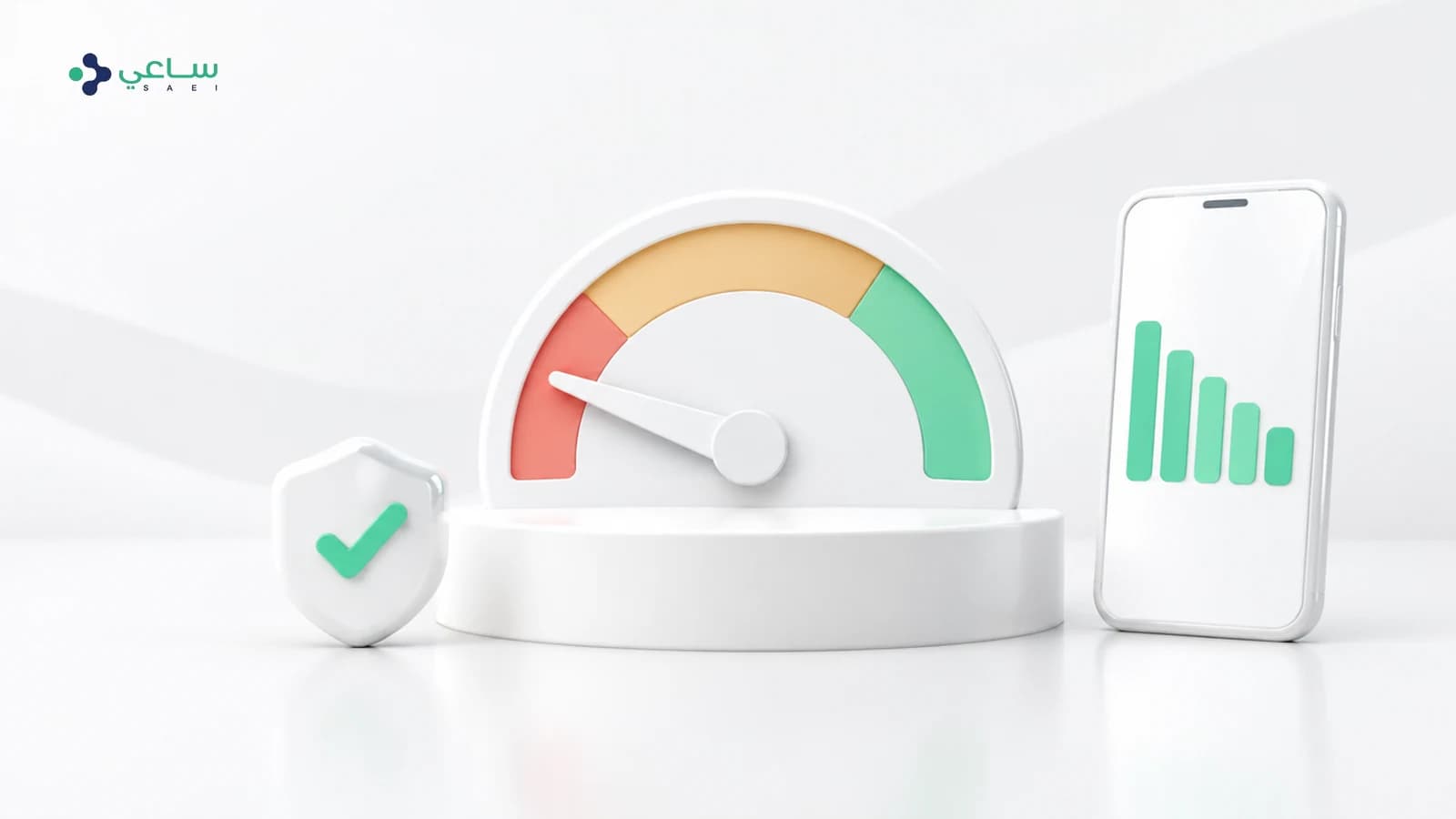
| Grade | What it means | Effect on your messaging limit |
|---|---|---|
| High | Healthy engagement, very few complaints | Eligible for promotion to the next tier |
| Medium | A noticeable rise in complaints — an early warning | No promotion, and the position is still correctable |
| Low | Many complaints in a short period | Risk of a tier cut or a suspended number |
What actually pushes the rating down
The causes repeat and are well known, and all of them come back to one thing: a message reaching somebody who did not want it.
- Sending to lists that were bought, or gathered without explicit permission.
- Promotional content reaching people who opted in for something else — order confirmations, for instance.
- Repeating the same message to the same person in a short window.
- A message that does not make the sender obvious, so the customer reads it as anonymous and blocks it.
- A sudden large batch from a new number that has built no history yet.
How to raise it, in order
- 1.Stop only the campaign that caused the dropNot all sending. Order confirmations and replies to customers do not hurt you, and stopping them denies you the positive engagement that repairs the rating.
- 2.Clean the list before you send to it againRemove anyone who has not engaged in a while, and anyone who registered that they do not want contact.
- 3.Send to your most engaged segment firstPeople who have opened and replied before are what rebuilds the indicator fastest.
- 4.Make the message identify itself in the first lineYour business name and the reason for the message reduce blocks more than any clever wording.
- 5.Watch daily and raise volume graduallyRecovery comes from a clean unbroken stretch, not from one jump.
What does not help
Three common moves that treat nothing:
- Changing the number: it carries the problem along, because the cause is in the list and the content rather than in the line.
- Stopping everything for weeks: it stops the damage and stops the positive engagement that raises the rating with it.
- Sending from unofficial tools: this is what brings a number down in the first place, and is the fastest route to suspension.
The difference on the official path is that what would bring the number down becomes visible before it does — the rating and the limit are in front of you. The tiers and how to climb them are in the messaging limits guide.
Frequently asked questions
Where do I see my number’s quality rating?
In Meta’s business tools on the number’s own page, and also inside the SAEI console alongside your messaging limit — so you watch both in one place and act before a drop.
How long does recovery take?
There is no published period; it depends on a clean unbroken stretch of healthy engagement. Patience is genuinely faster here: every rushed batch resets the count.
Does replying to customers hurt my rating?
No, it helps. Conversations the customer starts, and your replies inside the follow-up window, are positive engagement — and they do not consume your daily messaging limit either.
I got a warning but my limit has not dropped. What should I do?
This is the best moment to correct. Clean the list, check your template categories, and send to your most engaged segment before anything is cut — correcting before a cut is far cheaper than after one.
Does one number’s rating affect my other numbers?
The rating is calculated per number. But whatever caused one to drop — a list or a piece of content — usually exists on the others too, so look at the cause rather than the number.
Is buying a list of numbers against the rules?
Yes, and it breaks the prior-permission condition before that. In practice it is the fastest route to a falling rating, because people who never asked for your message are the most likely to block it.