In this article6
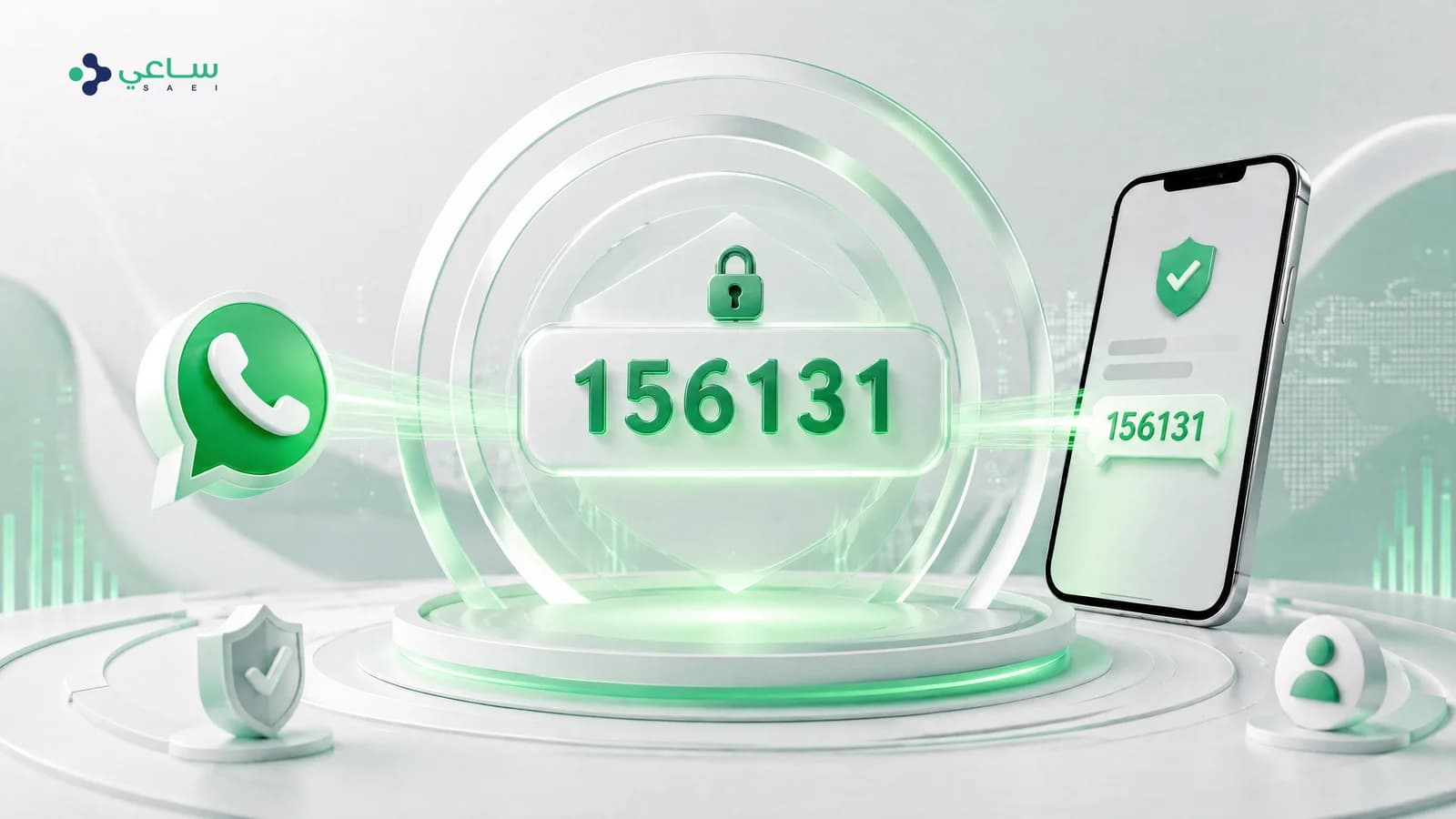
The core idea: a verification code goes to somebody who has not started a conversation with you, which is why it cannot be sent as a free-form message — only through an approved template, in the Authentication category specifically.
Why WhatsApp instead of SMS?
- Reach. WhatsApp is the most used app in the Saudi market, and the message arrives in an app the user opens dozens of times a day.
- Identity. The message arrives under your verified business name, not from an anonymous numeric sender — and that alone reduces suspicion and phishing attempts.
- The experience. A “copy code” button collapses the whole step for the user.
- The cost. Authentication is among Meta’s cheapest categories in the Saudi market, as the table below shows.
The authentication template: what it is and why it is different
Authentication is a category of its own inside WhatsApp templates, designed for verification codes and nothing else. It is deliberately constrained:
- The template’s wording is near-fixed, and the only real variable is the code itself.
- No marketing links, images or offers can be added inside the message.
- It supports a copy-code button, and showing how long the code is valid.
- It carries a warning not to share the code with anyone — part of the template that cannot be removed.
Those constraints are a feature, not an obstacle: they are what makes the message read as a trustworthy security message, and what keeps its price low compared with the other categories.
The real cost in Saudi riyals
The figures below are Meta’s official prices for the Saudi market in riyals, effective from 2026-04-01. They are paid to Meta directly, and are separate from any platform’s subscription.
| Category | Cost per message | Use |
|---|---|---|
| Authentication (local) | 0.04 SAR | Verification codes for Saudi numbers |
| Authentication (international) | 0.22 SAR | Verification codes for numbers outside the local market |
| Marketing | 0.19 SAR | Offers and campaigns — never used for codes |
The gap between local authentication and marketing is not a detail: over a hundred thousand codes a month, choosing the right category alone is the difference between 4,010.00 SAR and 18,770.00 SAR. To work it out on your own numbers, use the pricing calculator.
The setup steps
- Connect a WhatsApp Business number and activate it. If you see “this number is not eligible” the causes and their fixes are in a separate guide.
- Create a template in the Authentication category and choose its language (both Arabic and English if your audience is mixed).
- Turn on the copy-code button and show the validity period — both raise the share of people who finish.
- Submit the template for review. Authentication templates are usually reviewed quickly because their wording is near-fixed.
- From your system, call the send endpoint with the approved template and pass the code as a variable.
- Read the delivery state from the webhook, and trigger the fallback route when delivery fails.
The last step is the one most people skip, and it is the difference between a verification system that works and one that works “most of the time”.
Why some messages fail, and what to do
| What happens | Why | The right response |
|---|---|---|
| The message is refused immediately with error 131026 | The number is not registered on WhatsApp, or the message cannot be delivered to it | Switch to SMS immediately, within the same request |
| Delivered but not read | The user has not opened the app yet | Wait a short interval, then offer to send it again |
| Errors repeat across many numbers | The template may be disabled, or the number’s quality rating low | Check the template’s state and thequality rating before you raise your volume |
Security notes
- Cap how many attempts a number gets inside a time window, or your system becomes a nuisance you are paying for.
- Keep the code’s validity short, and never resend the same code once it has expired.
- Never write the code into your logs in plain text.
- Watch your delivery-failure rate — a sudden rise in it usually points at a problem with the template or the number, not with your customers.
Can a verification code be sent in an ordinary WhatsApp message instead of a template?
No. Verification codes go to a customer who has not started a conversation with you, and that is only possible through an approved template. The template must be in the Authentication category specifically — using another category to send verification codes breaks Meta’s policy and can get the template disabled.
What is the cost difference between the authentication category and the marketing category?
A large one. In the Saudi market an authentication message is far cheaper than a marketing message, so sending a verification code through a marketing template is not only a policy breach but a direct waste of money on every message.
Why do some verification messages fail?
The most common reason is that the number is not registered on WhatsApp at all, so Meta returns error 131026, meaning the message is undeliverable. Other reasons: the number has blocked yours, or the device has been out of coverage for a long time. This is why you need a fallback route.
Do I need an SMS fallback?
Yes, and we always recommend one. Not all of your customers are on WhatsApp, and a verification code that does not arrive is a user who cannot sign in. The sound practice: try WhatsApp first, and if an undeliverable error comes back, send a text message immediately.
How long is the code valid for?
You set that in your own system, but authentication templates support showing the validity period inside the message. The usual range is five to ten minutes — long enough for the user, short enough for security.
Can the customer copy the code with one tap?
Yes. Authentication templates support a copy-code button, which is what makes WhatsApp a better experience than SMS: the user taps once instead of reading the code, memorising it and typing it out.