In this article8
- The problem is not the number of messages, it is that you do not know what is in them
- Ten types, and the platform is what decides them
- The one rule that stops the tag going wrong
- What a manager can see and could not before
- The second front: comments left unanswered for a whole day
- From a public comment to a private conversation: the route that works
- What is actually available today, and what is waiting on Meta
- The practical summary
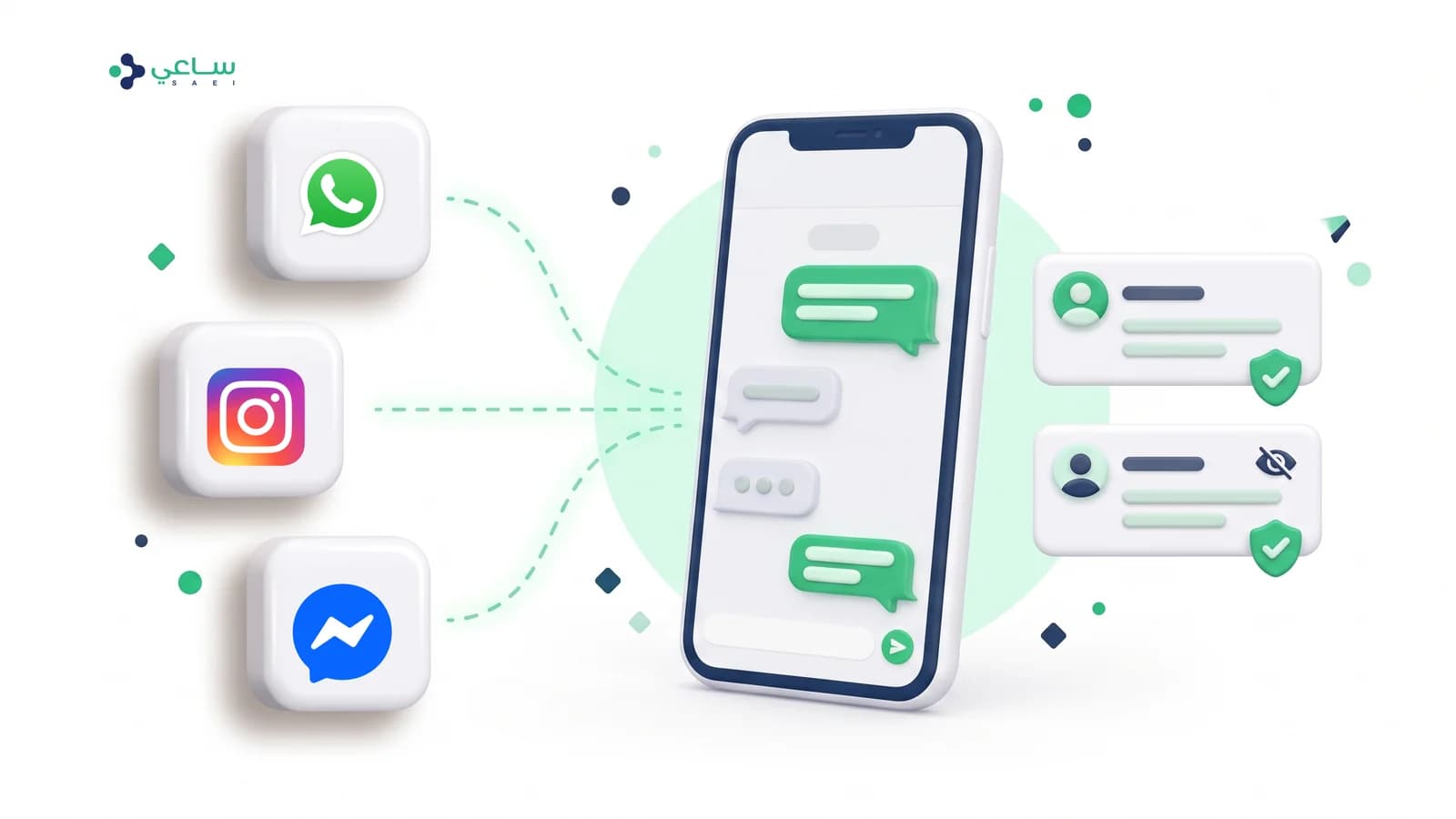
This article is about two connected capabilities: the platform reading the type of every enquiry and putting it on the conversation with nobody lifting a finger, and Facebook and Instagram comments arriving somewhere they get worked on instead of being forgotten under the post.
The problem is not the number of messages, it is that you do not know what is in them
Every inbox shows the same list: a name, a last message, a time. That is enough for one person who opens every conversation anyway. It is enough for nothing beyond that — and it falls further short when the list becomes gathered from three channelsrather than one.
- A manager cannot answer a simple question: “what do our customers ask about most?”. The answer lives inside thousands of messages, and nobody has time to read them.
- A complaint looks like a price question in the conversation list. The first needs a reply within minutes and the second can wait an hour, and the list does not tell them apart.
- Nobody knows where the time goes. “Average reply two hours” is a number that fixes nothing. “Average reply to cancellation requests six hours” is a number that fixes something today.
- Manual tagging is abandoned within a fortnight. Any field an agent is asked to fill in after every conversation is filled for the first two days and then left — and the report built on it becomes worse than no report.
The answer is not a new field for the team to fill in. The answer is for the enquiry type to be read from the customer’s own text, the moment the message arrives.
Ten types, and the platform is what decides them
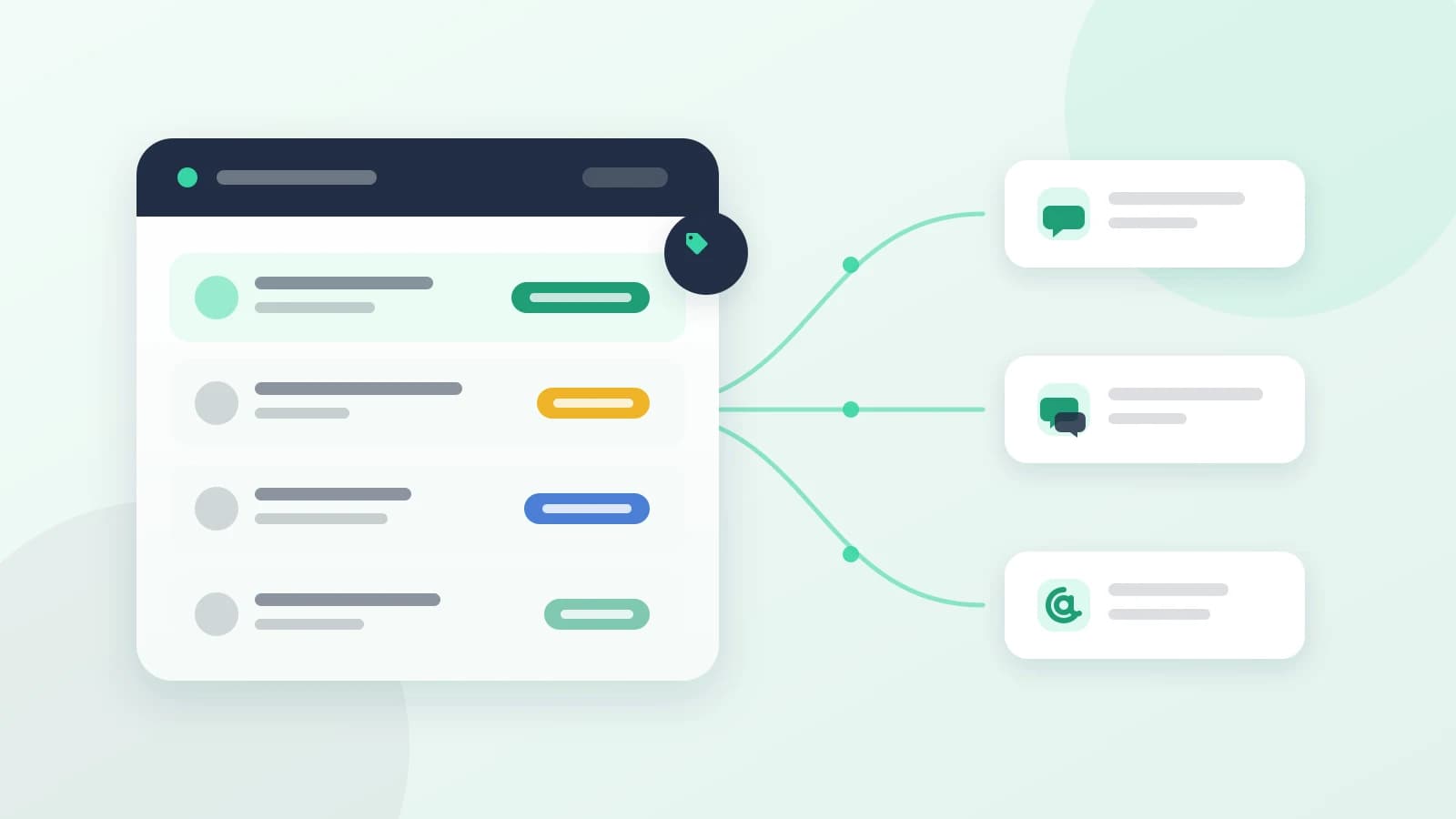
Every conversation carries one type, visible in the list, drawn from a fixed list of ten. The list is deliberately commercially neutral: a clinic, a shop and an events venue all read the same vocabulary and find it correct.
| Enquiry type | Family | What falls under it |
|---|---|---|
| Location | Logistics | Where you are, the address, how to get to you |
| Appointments | Logistics | What time, what day, opening hours, how long it takes |
| Availability | Logistics | Is the product in stock, is there a seat, are you open |
| Pricing | Commercial | How much it costs, a quote, a discount, payment methods |
| Booking | Commercial | Booking, registering, subscribing, confirming an appointment |
| Order status | Commercial | Where my order, booking or shipment has got to |
| Complaint | Problems | Dissatisfaction, chasing a refund that never came, something that went wrong |
| Cancellations and returns | Problems | Cancelling, returning, getting money back |
| Technical support | Problems | Something that does not work: signing in, a link, the app, a failed payment |
| General enquiry | General | An enquiry that falls under none of the above, or is not yet clear |
The four families are not decoration. The colour in the interface stands for the family rather than the type, because ten distinguishable colours cannot actually be told apart by somebody with colour blindness — whereas four families can.
From the customer’s message to a tag on the conversation
pipeline- 1The message arrives and is delivered firstThe customer’s message is stored, appears in the inbox, and the bot works on it as usual. Labelling comes afterwards, not before.
- 2A quick check: is there anything to read at all?A photo, a voice note, a location or a tap on a quick-reply button carries no text to classify, so it is left alone. Conversations imported from an earlier history are left alone too, so a whole archive is not labelled in one go when a new channel is connected.
- 3Reading the text in a separate jobA small model dedicated to this job alone reads the message and returns four things: the enquiry type, the sentiment, a confidence score, and the message’s language. Long messages are read from both ends, because the real request usually sits at the end of the message rather than the start.
- 4Validating before writingIf the model returns a type outside the list of ten, or text that cannot be read, nothing at all is written. One type turning into three stored values ruins every report after it, and there is no way back.
- 5Writing onto the message, then onto the conversationThe type is recorded on the message itself — which is what the reports count — and then the conversation’s tag is updated if it passes two conditions you will read in the next section.
The one rule that stops the tag going wrong
The dangerous thing about automatic labelling is not that it gets one wrong, but that it replaces a correct tag with a doubtful one. So writing to the conversation is governed by two conditions only, and everything else means: leave what is there.
When a conversation’s tag is replaced, and when it stays as it is
decisionConfidence above the threshold, and the current tag was not set by a person
- The confidence score passed the threshold set for the workspace (0.6 by default).
- The current tag’s source is automatic, not an agent’s correction.
- The new type genuinely differs from the current one — otherwise nothing is touched and the tag’s timestamp does not change.
- The time and source of the change are recorded, so the conversation shows that the type changed and when.
The previous tag carries on as it is
- An agent corrected the tag earlier — the lock is permanent and no confidence score lifts it.
- The reading is below the threshold and the conversation is already labelled: the less confident does not displace the more confident.
- The message is a greeting, a thank-you or an acknowledgement — deliberately read with low confidence.
- The labelling model could not be reached: no wrong tag, and no effect on the message.
Sentiment (positive / neutral / negative) is read in the same call and recorded on the message. But it is not shown as a verdict on a particular conversation — only as a trend across dozens of them — because tone is harder to read than enquiry type, and courtesy in the Gulf is ordinary politeness rather than satisfaction.
What a manager can see and could not before
Once every conversation has a type, the conversation list becomes filterable by type, and behind it sits one report answering three questions: what they asked about, how long they waited, and how they felt.
| What appears in the report | The question it answers |
|---|---|
| Enquiries | How many incoming messages carried an enquiry in this period |
| Replies sent, split between agents and the bot | How much of the work the team actually carries, and how much the automatic reply does |
| Average first reply | How long the customer waited from their message to the first reply |
| Over the response target | How many conversations were answered after the target time — one hour by default |
| Enquiries by type | Which type consumes your real workload, and its share of the total |
| First reply time by enquiry type | Which type specifically is late — and this is the number you can act on |
| Enquiries over time | Is the volume rising, and exactly when |
| Customer sentiment | What the overall tone of customers was in this period, not in one conversation |
Every number drawn in the report is repeated in a table at the foot of the page, and both come from the same calculation rather than two queries — because a table built with a second query is how a chart and a table begin to disagree. And the whole report exports to PDF from those same numbers.
- Ready periods: the last 7 days, 30 or 90 — with a manual date range available.
- Filtering by channel and by enquiry type, in the same vocabulary the inbox uses.
- If you ask for a period further back than your plan’s analytics retention, the period is shortened and the page tells you, rather than quietly showing incomplete numbers.
- An automatic reply inside a flow counts as a reply — because a customer who received an instant answer considers themselves answered.
The second front: comments left unanswered for a whole day
The customer who writes “how much?” under an Instagram post is the same customer who, had they messaged you on WhatsApp, would have had a reply within a minute. The difference is that a comment sits somewhere nobody opens regularly, so it stays visible to everybody with no answer — and the ten people who read it saw a page that does not reply.
The comments inbox deals with that by gathering Facebook and Instagram post comments into one page inside the platform, which they reach the moment they are written through Meta’s notifications, not when somebody opens the app.
The conversations inbox and the comments inbox: why they are two screens, not one
comparison| Conversations | Comments | |
|---|---|---|
| What reaches itDirect messages on WhatsApp, Instagram and Messenger, versus comments on Facebook and Instagram posts | Yes | Yes |
| The reply is publicA comment is public: your answer is advertising or damage in front of everybody | No | Yes |
| The content can be hidden or deletedHiding keeps it visible to its author alone | No | Yes |
| Automatic tagging of what the customer wantsTen enquiry types, versus six intents better suited to a public post | Yes | Yes |
| Assigning the item to a specific person | Yes | Yes |
| Turning its author into a contact with one tapStraight from the comment, with an “interested” tag | No | Yes |
| Available to every workspace todaySee the availability section at the end of the article | Partly | No |
Comments from customers are read the same way conversations are, but in a vocabulary better suited to a public post: six intents rather than ten enquiry types.
| Intent | What it means in practice |
|---|---|
| Interested | Asking about a price, availability or how to buy — this is a lead, not a comment |
| Question | A general enquiry unconnected to buying |
| Complaint | A bad experience or a problem, written in front of everybody |
| Praise | A compliment or a thank-you |
| Spam | Ads, links and scams — a candidate for hiding, not for a reply |
| Other | Whatever falls under none of the above |
The page itself is divided into ready folders that collapse the sorting: “needs follow-up”, “interested”, “questions”, “complaints”, “assigned to me”, “done”, “hidden” and “all comments” — each with a live counter. And every comment carries a set of actions: a public reply, a private message, hide or unhide, mark as done, delete, assign to a colleague, and add its author as a lead. There are optional AI helpers too: an editable draft reply, a translation of the comment, and a summary of the whole discussion under the post.
From a public comment to a private conversation: the route that works
The pattern that works is neither “reply in public” nor “move it to private”, but both, in that order. The public reply shows the other readers that the page answers; moving to private takes the details of the request — the name, the number, the amount — out of a place everybody can see.
One comment’s path from arrival to closure
user flow- 1The comment arrives the moment it is writtenMeta sends a notification the instant a comment is written on a Facebook or Instagram post, so the card appears on the page immediately. There is no waiting for a sync cycle, and the page’s own comments are not treated as incoming.
- 2It is read and tagged before anybody opens itThe comment arrives in the “needs follow-up” folder in a “new” state, its intent is read, and a tag appears on it: interested, question, complaint, praise, spam. The interested ones gather in their own folder, with the option to add them as leads in one go.
- 3A public reply under the commentAnswer in the open with a short sentence proving the page is alive — and without a number or a price specific to one person. You can ask for a ready draft and edit it before publishing, and have the comment translated if it is in a language whoever runs the page does not read.
- 4Moving to private from the comment itselfA “send a private message” button opens a private conversation with the comment’s author without them starting it. Meta allows only one private message per comment, within seven days of it being posted — so make it the message that opens the door, not a greeting that wastes the chance.
- 5The comment’s author becomes a contact in your databaseWhen the private message is sent, the contact is created if it does not exist and linked to their account on the channel, your message is recorded in their conversation history, and the comment moves to “replied” with a “view in conversations” button that opens the thread. And when they reply, the conversation is complete and you treat it like any other.
- 6Assigning to a person by nameAssign the comment or the conversation to a specific colleague. The “assigned to me” folder gives everybody their own list — and what is assigned to nobody is never closed, however visible it is.
- 7ClosingMark the comment “done” once the follow-up has ended, or “hidden” if it was spam. The counters fall immediately, so the “needs follow-up” folder stays a number that means something instead of a count everybody ignores.
This route is the same logic as click-to-WhatsApp ads — a move from a public audience to a private channel you own — except it starts from content you published for nothing rather than a click you paid for.
What is actually available today, and what is waiting on Meta
This section exists because the article loses all its value if it leads you to expect a screen you cannot open. Both capabilities are built and tested, but they are not equally available.
| Capability | Its state today |
|---|---|
| Conversation labelling and the conversation-intelligence report | Available. Turned on with the top plan, and added to the other plans as an add-on activated on the workspace. |
| Instagram direct conversations in the inbox | Approved by Meta and available to workspaces whose plan includes the Instagram channel. Connecting is done by signing in with Instagram directly, not through Facebook. |
| Messenger conversations in the inbox | Approved, and available to workspaces whose plan includes the Messenger channel. |
| The Facebook and Instagram comments inbox | Currently closed for every workspace. The permissions to read and manage comments have not been approved in Meta’s review, and the inbox opens the day they are, with no platform update needed. |
| Following up with a customer after 24 hours on Instagram and Messenger | Not enabled. The extended follow-up permission has not been approved, so the reply window stops at the standard 24 hours. |
The practical order in the meantime: turn conversation labelling on for your WhatsApp channel now — it is most likely where most of your volume sits — and read the report for a fortnight before you change anything about how work is distributed. And if you are connecting your existing number for the first time, start from the route that connects without losing the WhatsApp Business app.
The practical summary
- The tag is read from what the customer said rather than asked of an agent — because every manual field is abandoned within a fortnight.
- The governing rule is “do nothing”: a greeting, a photo, an unconfident reading and a technical failure all leave the previous tag in place.
- An agent’s correction locks the tag permanently. That is what makes correcting it worth the trouble.
- The number you act on is “first reply time by enquiry type”, not the overall average.
- Sentiment is read as a trend over time, not as a verdict on a customer — and Gulf courtesy is not satisfaction.
- A comment is answered in public and then moved to private, and the window for moving is seven days and one message only.
- The comments inbox is built but closed until Meta approves the comment permissions; Instagram and Messenger direct conversations are available today, according to plan.
Does the agent write the tag themselves?
No. The tag is read from the text of the customer’s own message and written onto the conversation automatically. An agent can correct it if it comes out wrong, and the tag is then locked to their choice and the automatic labelling never changes it again. That lock has no expiry and no exception — because somebody who corrects a tag and then watches it revert minutes later stops correcting anything ever again.
What happens when a customer sends a photo or a voice note?
Nothing, and that is deliberate. There is no text to read, so the conversation keeps its previous tag. Guessing from a photo is the fastest way to ruin the labelling of a conversation that was correctly labelled, so the platform ignores those messages rather than guessing.
Does the labelling understand Saudi dialect and Arabic written in Latin letters?
Yes, and it is explicitly required to. “وين المكان”, “wen el makan” and “where is the place” are all treated as one enquiry about location, and “ابغى الغي” and “abgha algy” are both cancellations. Messages that mix Arabic and English in one sentence are handled the same way.
Why is “sentiment” not shown as a verdict on a particular conversation?
Because reading tone is less accurate than reading the type of enquiry, especially in the Gulf where courtesy is part of ordinary speech and does not signal satisfaction. So sentiment is read as a trend across dozens of conversations in the report, not as a label hung on one customer.
Can I manage Facebook and Instagram comments today?
Not yet. The comments inbox is built and working, but it is closed for every workspace pending Meta’s approval of the permissions to read and manage comments — permissions that were submitted for review and have not been granted. Instagram and Messenger direct conversations, on the other hand, are approved and do reach the inbox for workspaces whose plan includes those two channels.
Do customers’ messages get delayed by the labelling?
No. The labelling runs in a separate job after the message is received, and stands neither between it and the inbox nor between it and the bot’s reply. And if the call to the labelling model fails for any reason, the problem is swallowed and the previous tag stays — the message arrives either way.