In this article9
- What the message actually means
- Which cause is yours? Read the signs column
- The number is new and has never been used on WhatsApp
- The number is on the app, and you are trying to register it from scratch
- You deleted the account and the message still appears
- The number is registered under another business account
- A landline, or a number that cannot receive messages
- This is not "the number is not eligible"
- Frequently asked questions
This guide tells the five causes apart using signs you can check on your own device, then works through the fix for each in order. At the end it separates this message from "this number is not eligible", because the two are constantly confused and are not the same thing.
What the message actually means
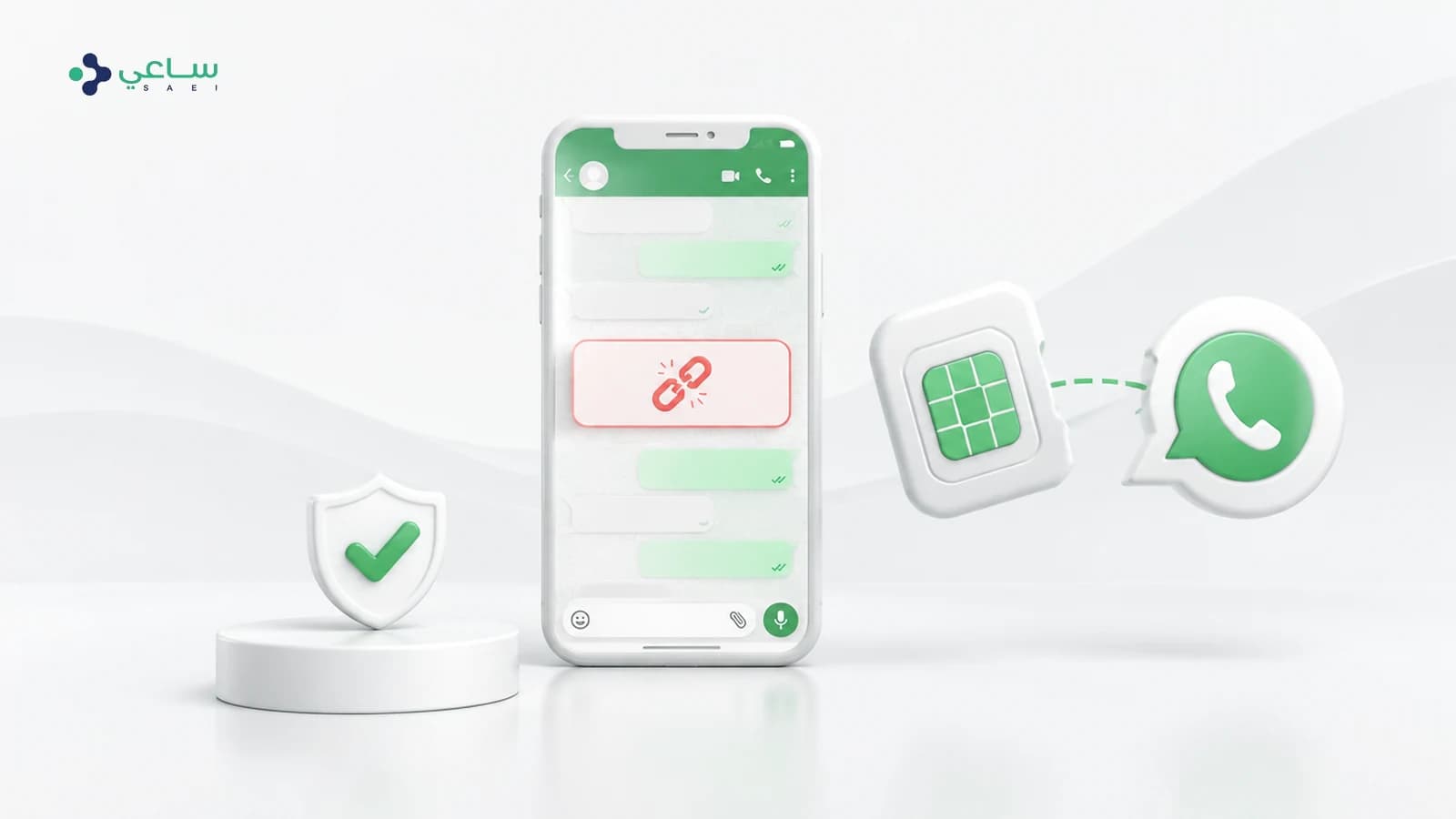
When you connect, WhatsApp asks one question: is there a WhatsApp account registered on this number? If the answer is no, you get this message. It is not a rejection of your number, not a penalty, and nothing to do with your quality rating or your messaging limits. It describes a state: there is no account here right now.
What matters is knowing that "an account on the app" and "an account registered on the API" are two different things, and that the most common cause sits exactly in the gap between them.
Which cause is yours? Read the signs column
| Situation | The sign you can check yourself | The fix, in short |
|---|---|---|
| A new number never used on WhatsApp | A new SIM, or a number you have never activated WhatsApp on, on any device | Activate WhatsApp Business on the number first, then connect again |
| The number is on the WhatsApp Business app only | You use it daily from the app, and have never connected it to an official provider | Connect it through Coexistence instead of registering from scratch |
| The account was deleted from the app | You deleted the account in WhatsApp settings, or removed the app after deleting it | Reactivate the account on the number, and wait before trying again |
| The number belongs to another business account | A previous provider used it, or it is registered under a Meta business account you do not own | Have it released from the old account or request a transfer, and stop retrying |
| A landline or a virtual number | A fixed line, or an internet service number that cannot receive a text message | Choose voice-call verification, or use a different number |
The number is new and has never been used on WhatsApp
This is the simplest case and the most common with numbers bought specifically for a business. WhatsApp does not create an account for you when you connect; it looks for one that already exists. So the right order is:
- 1.Install the WhatsApp Business app on a deviceAny device that can receive the verification message on that number.
- 2.Activate the number and complete the profileBusiness name, description and category — this information travels with you later.
- 3.Send and receive at least one messageSo the account becomes active, not merely activated.
- 4.Go back to the connection screen and try againThe message disappears because the account now exists.
The number is on the app, and you are trying to register it from scratch
This is what most confuses established businesses: the number works, the conversations are there, and the message appears anyway. The reason is that you are attempting a new registration for a number that already holds an account on the app, and the right path here is not registration but Coexistence — the path that connects your existing number without costing you the app or your conversations.
The difference between the two paths, and when to choose which, is set out in our guide to connecting your existing number without losing the WhatsApp Business app.
You deleted the account and the message still appears
Deleting the account from inside WhatsApp removes the registration from WhatsApp’s servers, not just from your device. Reinstalling the app afterwards does not bring the account back — you have to reactivate with the number and receive a fresh verification code. Anyone who gets this wrong repeatedly in a short window may find verification temporarily locked on their number, so patience here is genuinely faster than repetition.
The number is registered under another business account
If another provider has worked with you before, your number may still be registered under a WhatsApp Business Account (WABA) that belongs to them rather than to you. In that case the number genuinely is registered — but to an account you cannot reach, so from your side you see the same message.
The fix is administrative, not technical: the number is released from the old account, or formally transferred. Nothing you do from your own console changes that, and retrying will not help. If you do not know which provider holds your number, this is one of the cases where our team takes the request to Meta on your behalf.
A landline, or a number that cannot receive messages
WhatsApp accepts landlines, but verifies them with a voice call rather than a text message. So if your number is a fixed line or an internet service number, choose "call me" instead of the message, and make sure the line can take an outside call that you can answer the moment it arrives. Virtual service numbers that cannot receive calls at all will not work, however many times you try.
This is not "the number is not eligible"
The two messages appear at almost the same moment and are constantly confused, but they say different things:
- "Not registered with WhatsApp": there is no account on the number. The problem is that the account does not exist.
- "The number is not eligible": the account exists, but its state blocks the connection — tied to an active personal account, under a restriction, or failing some other condition.
If yours is the second, it has its own guide covering each cause separately: "The number is not eligible" when connecting WhatsApp Business.
Frequently asked questions
Does this message mean my number is banned?
No. The message says WhatsApp found no account on the number, which describes a state rather than a penalty. Bans and restrictions appear as different messages that mention the account or a review explicitly.
I activated WhatsApp on the number and the message still appears — why?
Usually because the number typed into the connection screen differs from the activated one, by the country code or a leading zero. Check the international format matches exactly, then try again once the account is active rather than merely activated.
I use the number on the WhatsApp Business app. Should I delete the app first?
No, and do not delete it. A number working on the app is connected through Coexistence, a path that leaves the app and your conversations as they are. Deleting the account here creates the problem instead of solving it.
How long should I wait after reactivating before trying again?
Until the account is active — that is, after you have sent and received a message on it. And if you have already retried several times in quick succession, wait out the period WhatsApp itself shows you before any new attempt.
Can a landline be connected to WhatsApp Business?
Yes, provided it can receive an outside call you can answer immediately, because verification happens by voice call rather than text message.
My previous provider holds my number. What do I do?
The number is released from their account or formally transferred to yours. Nothing in your own console changes that and retrying will not help — this is one of the cases our support team handles with Meta on your behalf.